


Why your old computers are a security risk
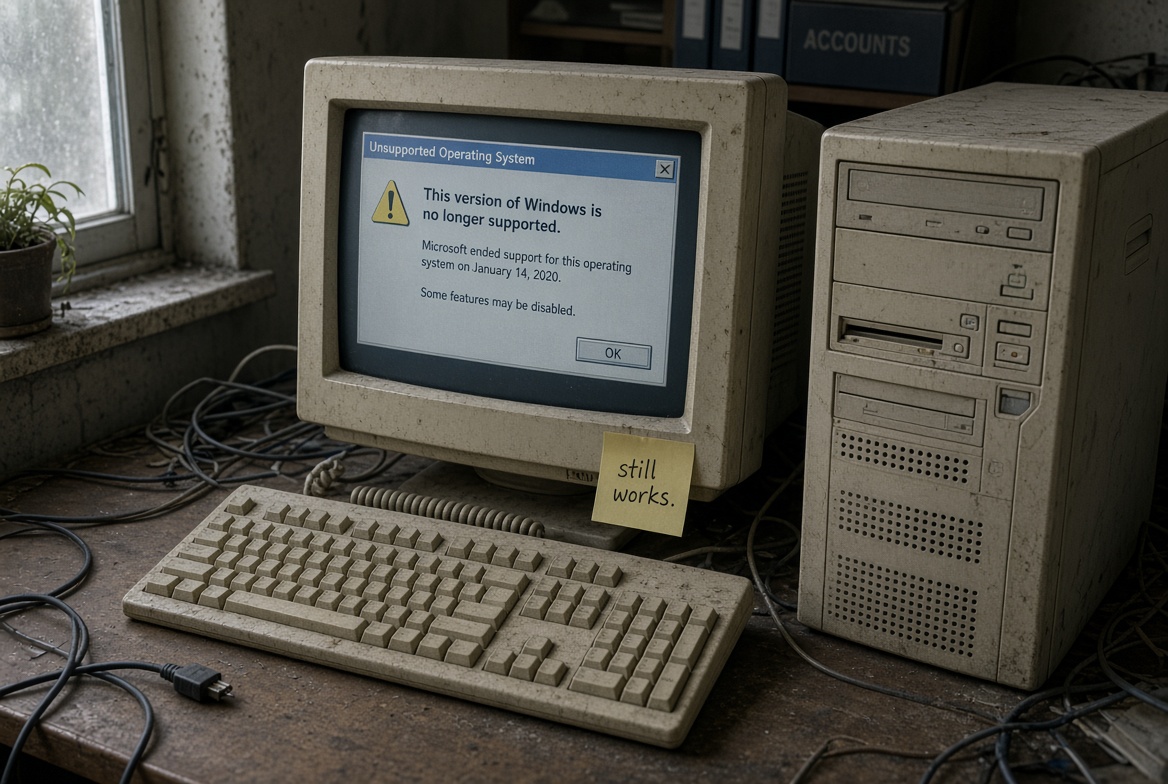
Many homes and businesses across the Mid North Coast still rely on older computers. They work. They feel familiar. Yet the security picture has shifted, and those machines now leave gaps that criminals look for every day.
The support landscape has moved on
Microsoft ended free security updates for Windows 10 on 14 October 2025. That date has passed. Any computer still running Windows 10 no longer receives patches for newly discovered weaknesses. The same applies to older versions that stopped receiving updates years earlier.
Hardware that cannot run Windows 11 often lacks modern protections such as stronger encryption and better built-in threat detection. These systems stay exposed. Attackers know this and target them with ransomware, phishing and data theft tools that exploit known holes.
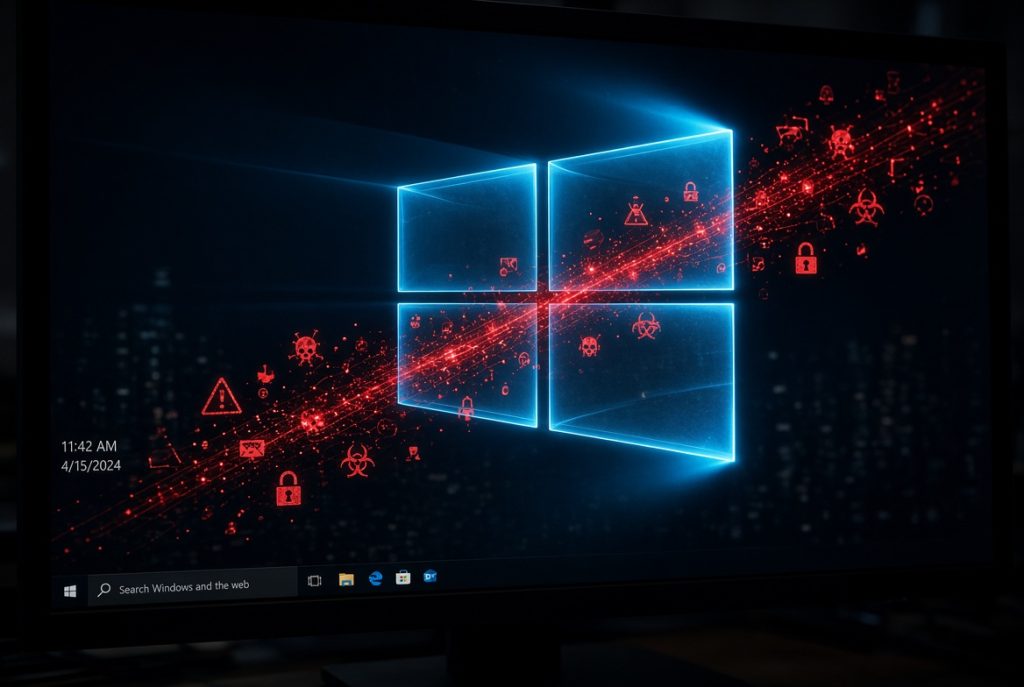
Why it counts for everyday users and local businesses
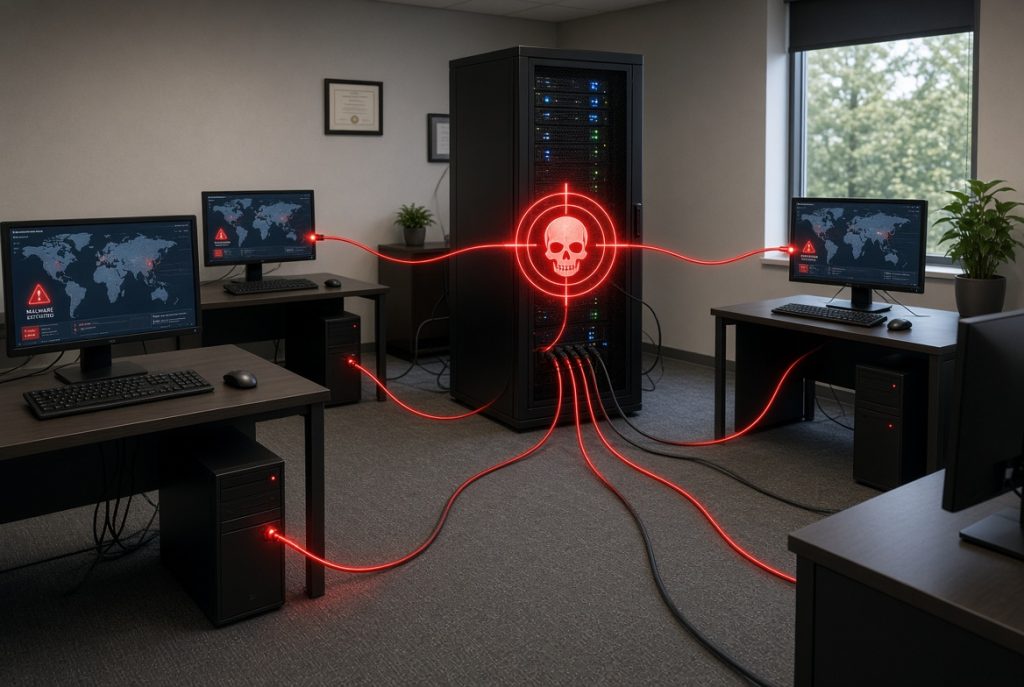
A single infected machine can spread malware across a network, lock files, or leak customer details. For a home user that might mean lost photos or banking information. For a business on the Mid North Coast, it can mean downtime, recovery costs, damaged reputation and possible insurance complications.
Australian businesses face growing pressure to meet basic cyber standards. Insurance providers and clients increasingly expect evidence of sensible protection. Old, unpatched systems make that hard to demonstrate.
Key terms explained
Essential Eight is the Australian Signals Directorate’s set of practical steps that reduce the chance of a successful cyber-attack. Regular patching, controlled application use and multi-factor authentication sit near the top of the list. Unsupported systems struggle to meet these steps.
Ransomware locks your files and demands payment. Older machines without current defences are easier targets.
Choosing the right path for your team
Not every old computer needs replacing tomorrow. Some can be isolated or given limited roles. Others should move to supported hardware or cloud services.
Common practical choices include:
- Replacing machines that cannot run a supported operating system
- Moving email, files and collaboration tools into Microsoft 365 so less data sits on local hard drives
- Adding managed monitoring so problems are spotted early
- Keeping only the essential local devices and securing them properly
The right mix depends on how the computers are used, the sensitivity of the data and the size of the team. A short assessment usually clarifies the options without guesswork.
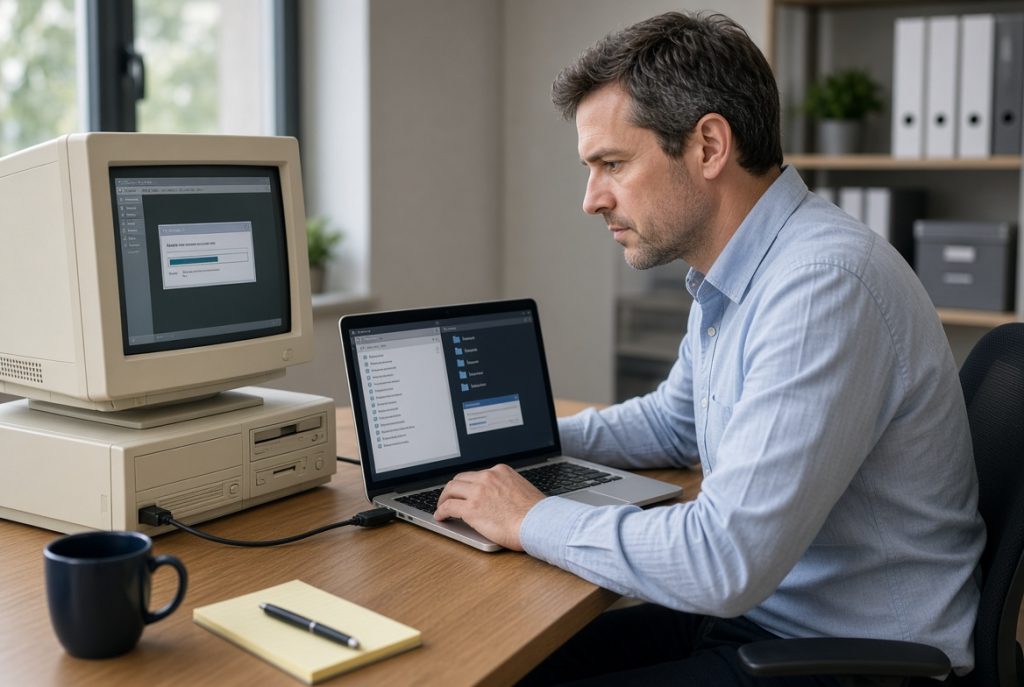
Impact on your business operations
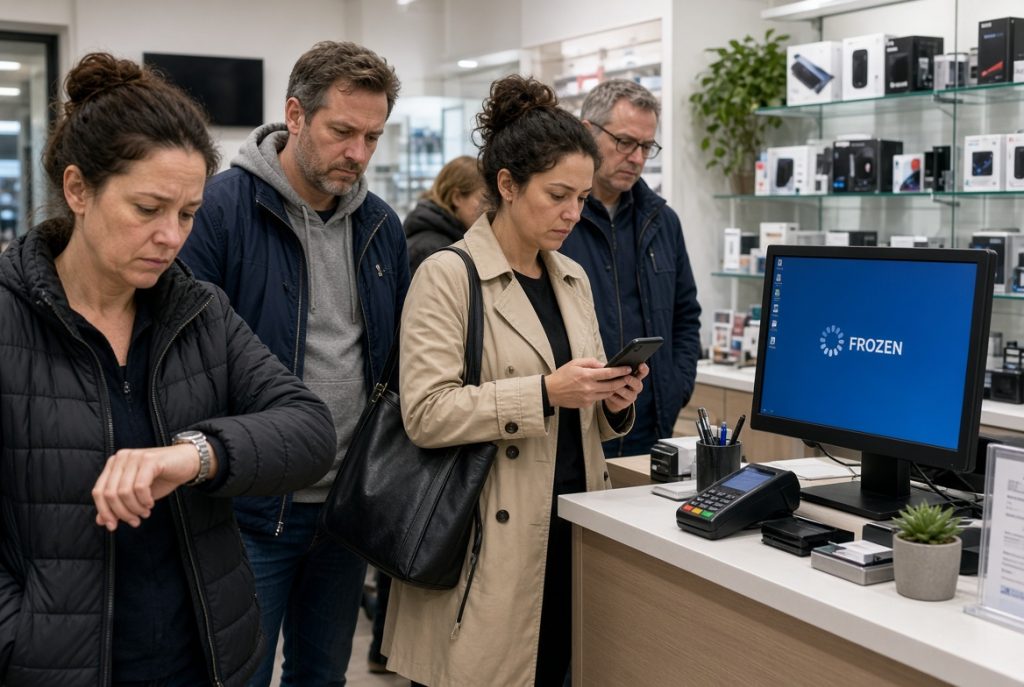
Continuing with unsupported systems raises the chance of unexpected outages and recovery work. Staff time is lost. Customer trust can suffer if personal information is involved. Meeting Essential Eight maturity levels becomes more difficult, which may affect tenders, insurance or simple peace of mind.
Updating hardware or shifting key work into modern cloud tools lowers those risks and often improves day-to-day speed and reliability at the same time.
How we protect your business
PC Pitstop has supported homes and businesses across Port Macquarie, Kempsey, Wauchope and the wider Mid North Coast for more than 28 years. We treat security as practical local work, not abstract theory.
Our team can check which machines are still safe to keep, which need replacement, and how to line systems up with Essential Eight guidance. Services that directly address these risks include:
- Cybersecurity & Essential Eight alignment
- ProactiveCare managed plans with continuous monitoring and patching
- Microsoft 365 Business setup and ongoing management
- Onsite and remote support
- Data backup and recovery arrangements
- Technology consulting that matches advice to real budgets and workflows
We keep explanations clear and the focus on what works for local conditions.

Need computer upgrades and stronger security?
Bring your machines into PC Pitstop in Port Macquarie for a free cyber health check or ask us to visit your premises. We will show you the risks and the practical next steps that suit your situation.