

Passkeys explained: the end of passwords for your team
Staff at nearby firms keep accessing accounts via login credentials on a regular basis. The method feels known. Still, it ranks among the most exposed elements across numerous networks.
A new verification technique alters this habit. It swaps out the secret phrase for a more secure option that resists capture or prediction by intruders. For active enterprises on the Mid North Coast, the move lowers exposure while preserving simple daily routines.
The shift away from traditional passwords
Passwords have been the standard for decades. People reuse them, choose weak ones or fall for phishing messages that steal them. Once an attacker has a working password, they can often access email, cloud files or business tools as if they belonged there.
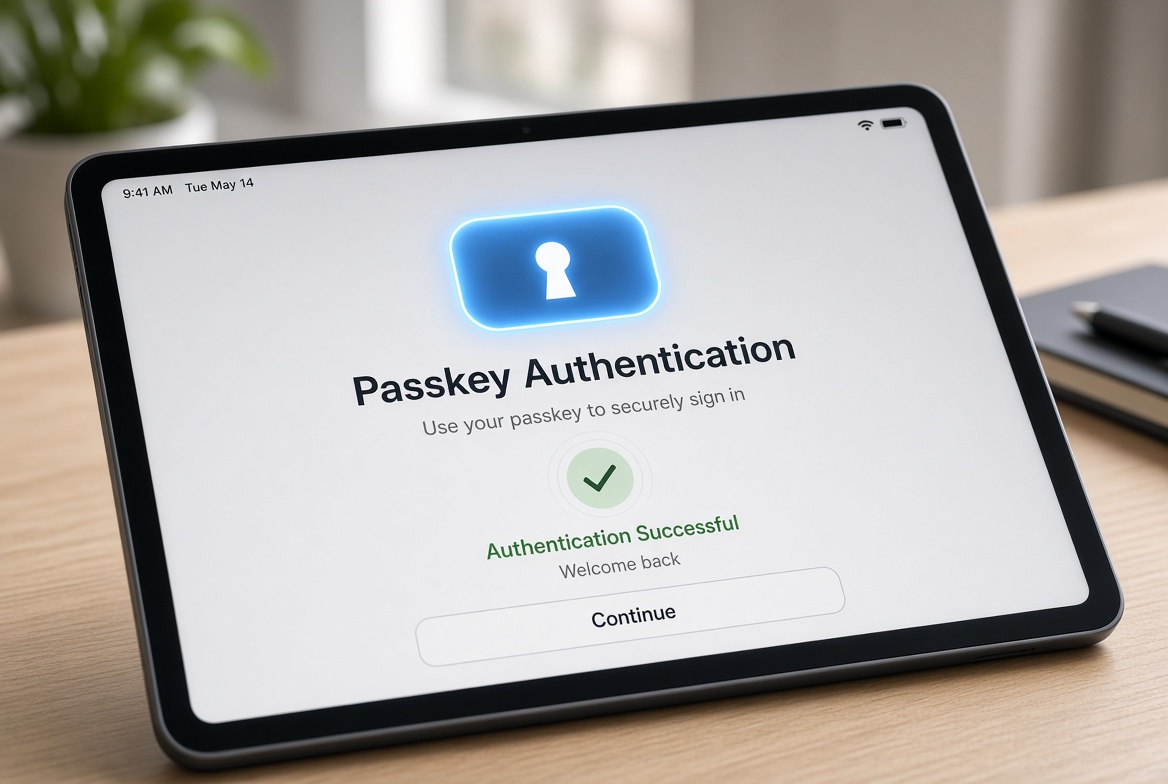
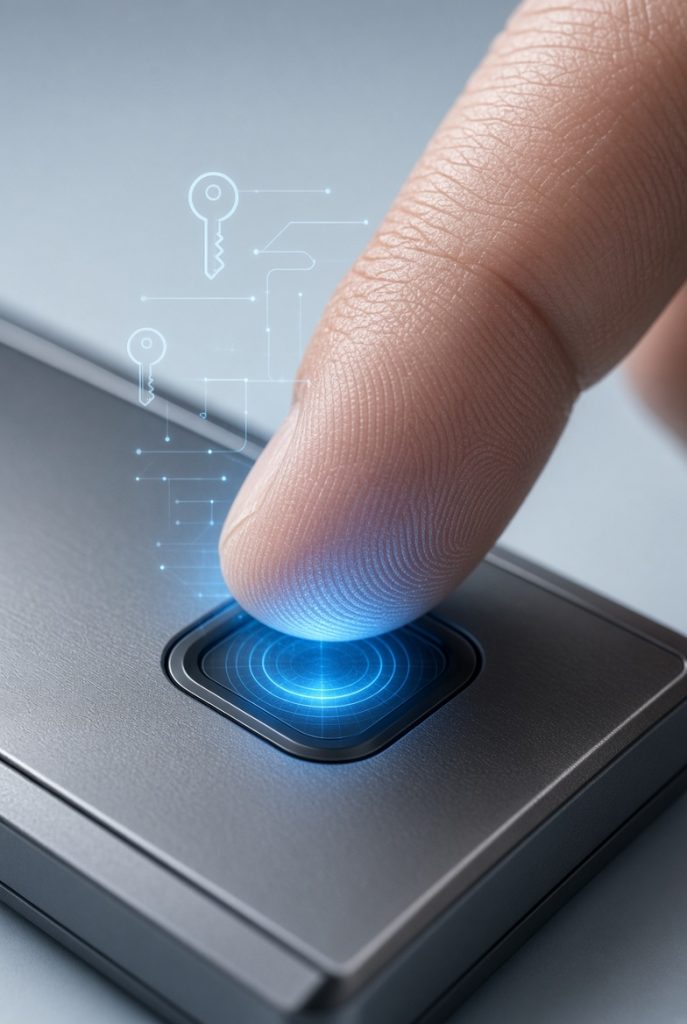
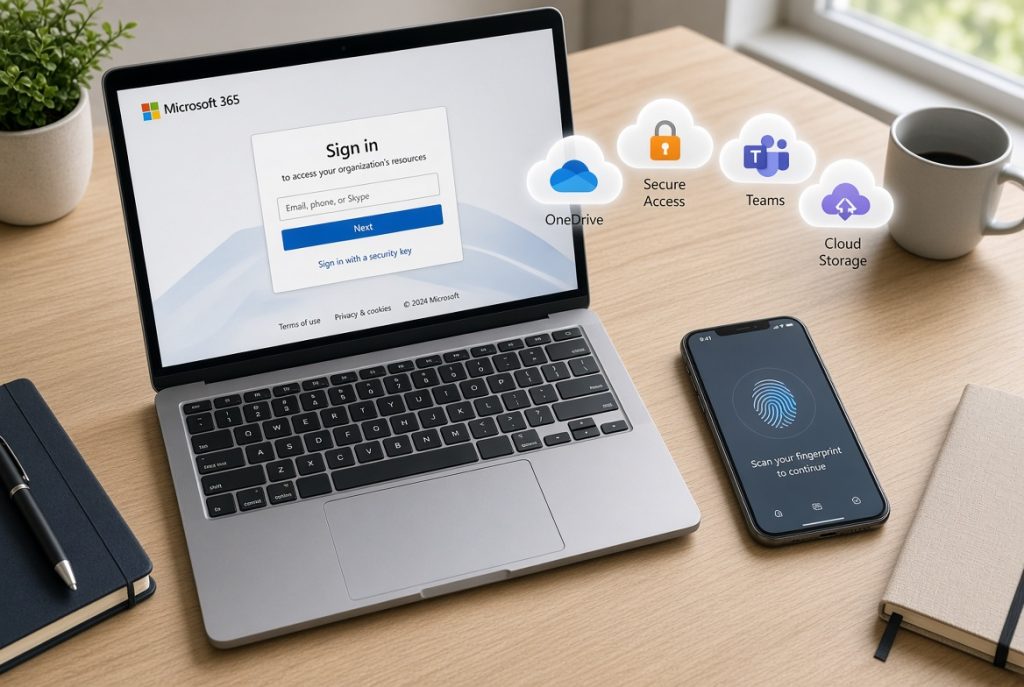
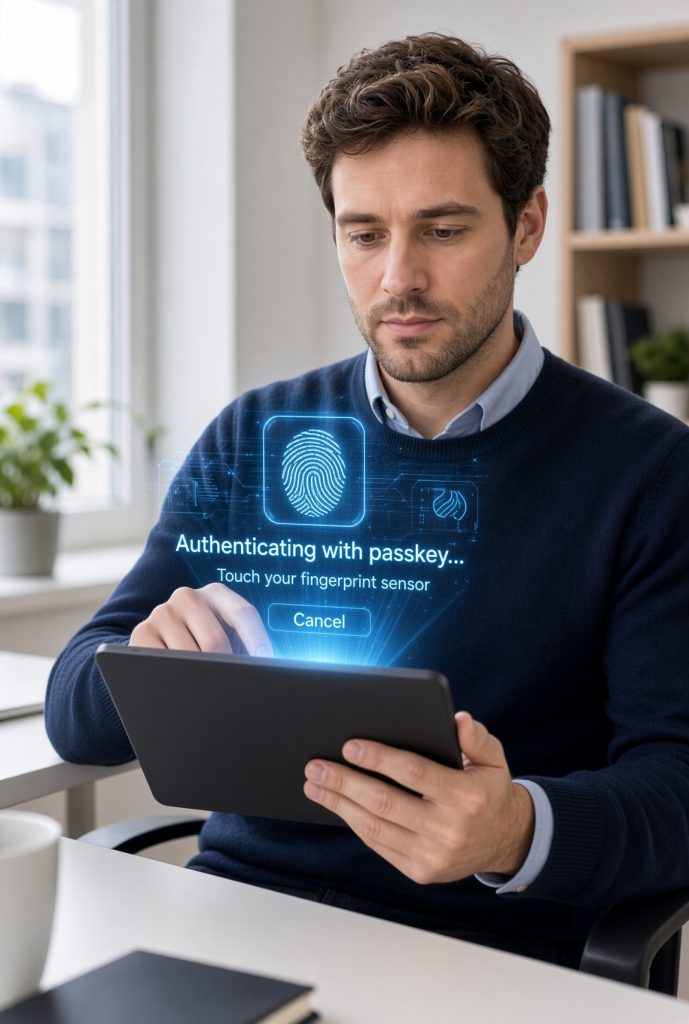
Passkeys use a different method. They rely on cryptographic keys stored on a device or linked to biometrics such as a fingerprint or face recognition. The private key never leaves the device. A phishing site cannot capture it the way it can capture a typed password. Major platforms including Microsoft now support passkeys for business accounts.
Why this change matters for local teams
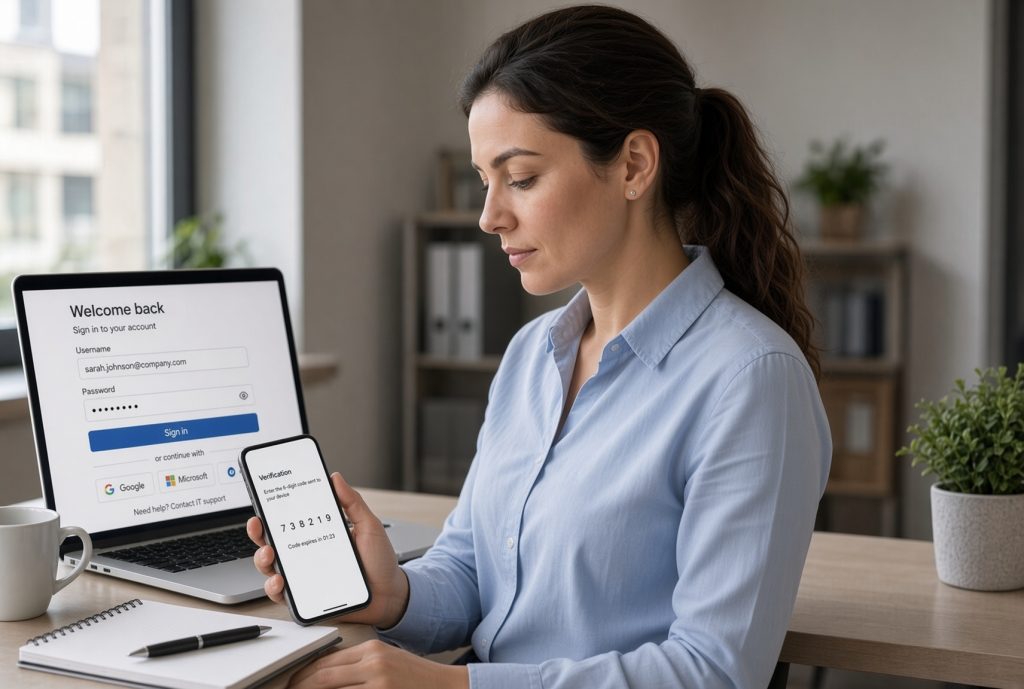
Password-based attacks remain common across regional NSW. A single compromised login can lead to data loss, ransomware or ongoing unauthorised access. Staff waste time resetting forgotten passwords. Owners worry about shared or weak credentials.
Passkeys remove most of those problems. Staff sign in with a fingerprint, face scan or device PIN. There is nothing to remember or type. The method resists phishing far better than passwords or basic codes sent by text. For decision makers who are not technical, this offers clearer protection without constant reminders about password rules.
Terminology
These ideas show why passkeys are more than a minor update.
Passkey is a digital credential that replaces a password. It uses a pair of cryptographic keys and is usually unlocked by biometrics or a device PIN.
Phishing-resistant means the method cannot be tricked by fake login pages in the same way passwords can.
Multi-factor authentication still applies, yet passkeys often combine the factors into one smooth step.
Essential Eight includes strong authentication measures. Passkeys align with the higher standards recommended by Australian authorities.
Device-bound means the passkey stays linked to a specific phone, computer or security key.
Straightforward solutions
Not every system supports passkeys yet, but support is growing quickly. Microsoft 365 accounts, many cloud services and modern devices already allow them. Some businesses start with the most important accounts such as email and finance tools. Others roll them out across the team once the main platforms are ready.
Staff can use the fingerprint or face recognition already built into their phones and laptops. Security keys remain an option for higher-risk roles. The right pace depends on which tools your team uses daily and how ready those tools are.
Why it counts
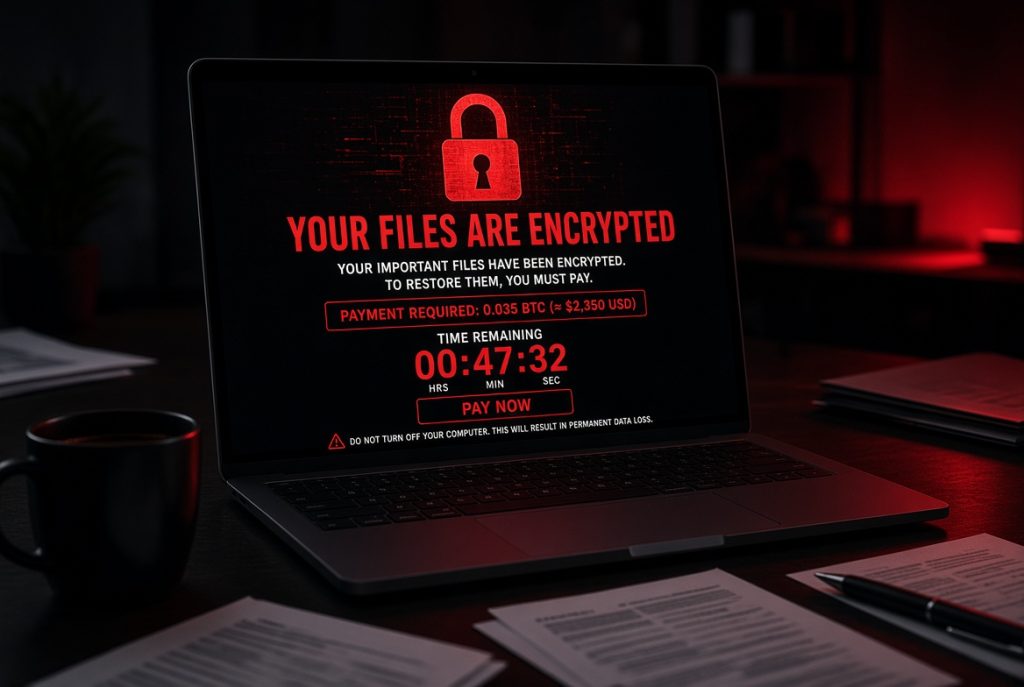
Teams that move to passkeys spend less time on password resets and account lockouts. The risk of successful phishing drops sharply. Customers and suppliers deal with a business that protects access more carefully.
On the Mid North Coast, firms that adopt stronger login methods early stand out as practical and reliable. Those that stay with passwords alone remain exposed to a risk that is already well known.
How we help
We have supported Mid North Coast businesses for more than 28 years and understand the practical pressures of running a firm in this region.
Our team can review your current login arrangements, set up passkeys and multi-factor authentication where supported, strengthen broader cybersecurity in line with Essential Eight principles, or place systems under ProactiveCare monitoring. Onsite and remote support remain available when direct help is needed.

Drop by to discover the way passkey’s function
Visit our Port Macquarie store for a clear cybersecurity check focused on multi-factor authentication and Essential Eight readiness. Leave knowing exactly which accounts need the extra protection and how to set it up.