As of October 14, 2025,
Windows 10 will reach its end of life (EOL), marking the end of an era for one of
Microsoft’s most popular operating systems. After this date, Microsoft will no longer provide
security updates, patches, or
technical support, leaving systems exposed to potential security threats and compatibility issues. With the clock ticking—today is March 17, 2025, giving you just under seven months to prepare—it’s time to consider your next move. This article will outline what the Windows 10 EOL means, recommend a replacement computer, and explain how PC Pitstop can help with new or refurbished options,
data transfer, and program setup.
Understanding Windows 10 End of Life
The EOL for Windows 10 doesn’t mean your PC will stop functioning on October 15, 2025. However, without ongoing security updates, your system will become increasingly vulnerable to cyber threats like viruses and hacking attempts. Additionally, software developers may phase out support for Windows 10, making it harder to run the latest applications or connect to new hardware. To stay secure and functional, upgrading to Windows 11 is the recommended path—but that requires a compatible computer.
Windows 11 demands specific hardware, including a supported processor (e.g., Intel 8th Gen or later, AMD Ryzen 2000 series or later), 4GB of RAM (8GB preferred), and a TPM 2.0 chip. If your current device doesn’t meet these specs, replacing it is the smartest option. Fortunately, PC Pitstop offers solutions to fit various budgets and needs.
Recommended Replacement Computer
For a reliable replacement that runs Windows 11 and supports your needs into the future, consider these minimum specifications:
Processor: Intel Core i5 (10th Gen or newer) or AMD Ryzen 5 (3000 series or newer)
RAM: 8GB (or 16GB for power users)
Storage: 256GB SSD (faster and more durable than traditional hard drives)
Operating System: Windows 11 Home or Pro pre-installed
Extras: TPM 2.0 and Secure Boot support
This setup ensures smooth
performance for everyday tasks like browsing, streaming, and
office work, while leaving room for future
software updates. Whether you’re a home user or a small business, this configuration offers longevity and value.
New or Refurbished Options from PC Pitstop
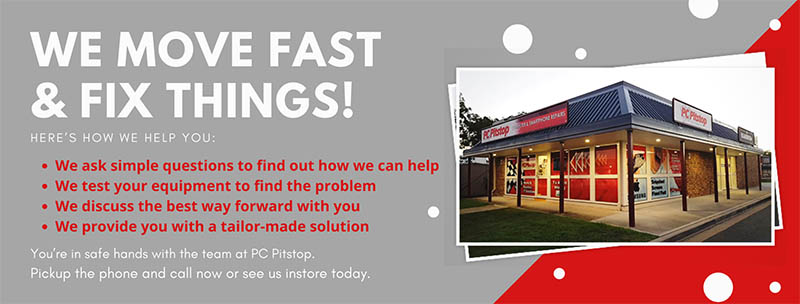
PC Pitstop, a well-regarded tech provider based in Port Macquarie, NSW, offers both new and
refurbished computers to suit your upgrade needs. Here’s how they can help:
- Refurbished Computers: Choosing a refurbished PC from PC Pitstop is a budget-friendly way to get a Windows 11-ready system. These devices are professionally restored, tested for reliability, and often come with a warranty. For example, you might find a refurbished Dell or HP desktop with an Intel i5 processor, 8GB RAM, and a 256GB SSD—perfect for most users at a fraction of the cost of new. Refurbished options are also eco-conscious, giving older hardware a second life.
- New Computers: If you prefer the latest tech, PC Pitstop’s range of new computers delivers cutting-edge performance and full manufacturer support. A new laptop or desktop with the specs mentioned above ensures you’re set for years of updates and advancements. While pricier, a new system might appeal to those needing features like enhanced graphics or extended battery life.
You can explore these options at PC Pitstop’s physical store (Unit 2, 10 Bellbowrie Street, Port Macquarie) or online at www.pcpitstop.com.au. Their knowledgeable staff can guide you to the best choice based on your usage and budget.
Data Transfer and Program Setup Made Easy
Switching to a
new computer involves more than just buying
hardware—you’ll need to move your files and reinstall your software. PC Pitstop simplifies this process with expert services:
Worried about losing family photos, work documents, or music libraries? PC Pitstop can
transfer all your data from your old Windows 10 machine to your new or
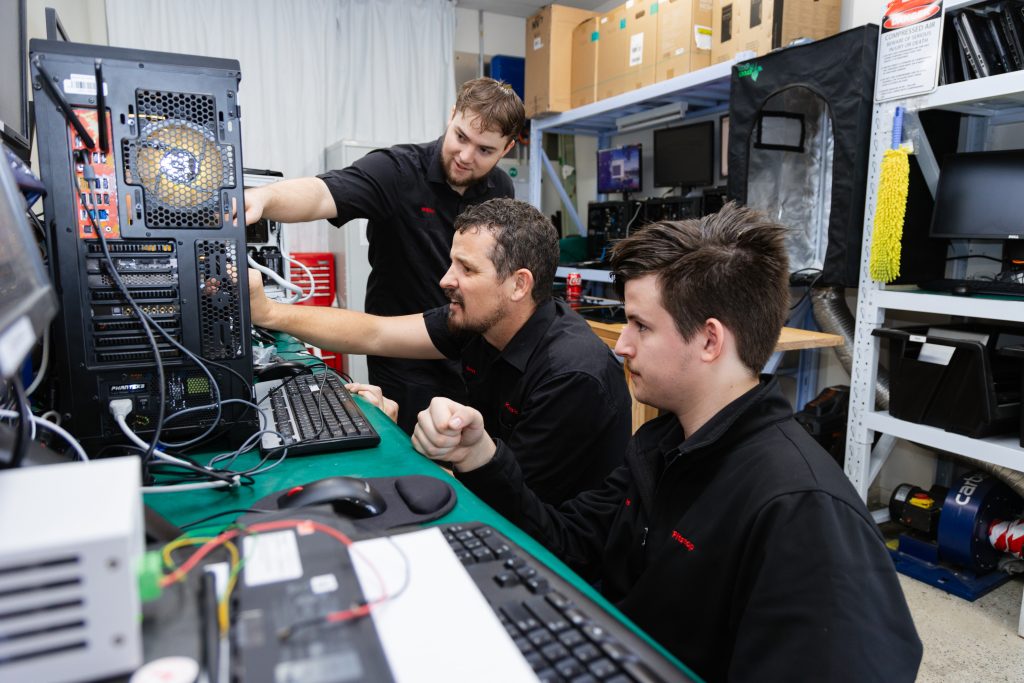
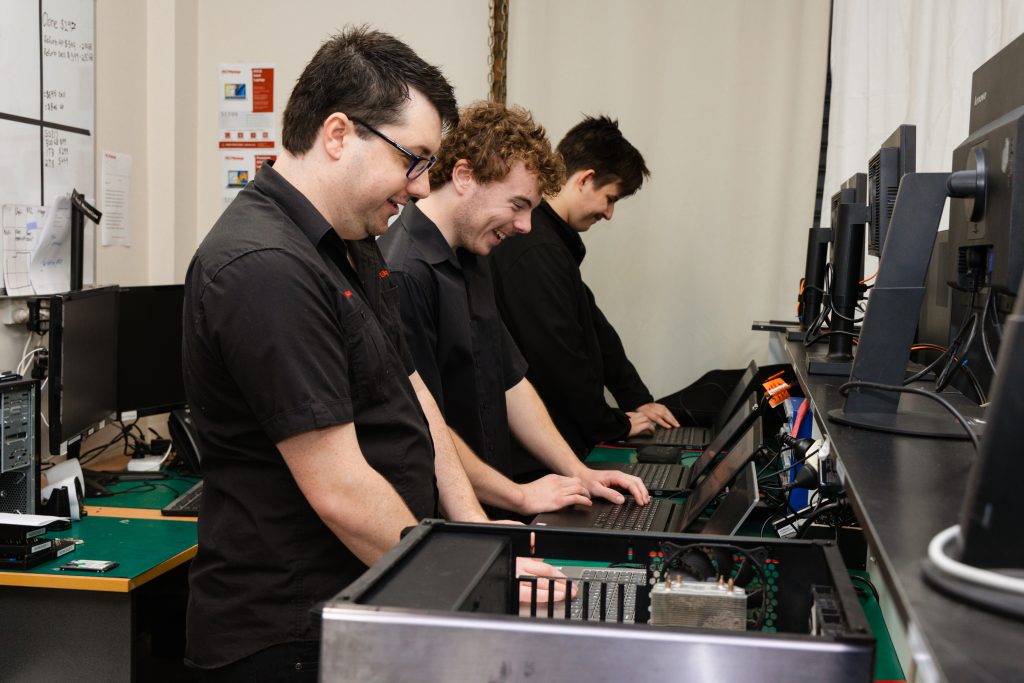
refurbished device. Their technicians ensure everything is safely migrated, so you don’t miss a beat.
Reinstalling programs like Adobe Acrobat, QuickBooks, or your favorite browser can be a chore. PC Pitstop can set up your essential software, configure settings, and ensure
compatibility with Windows 11. This service saves time and eliminates the frustration of troubleshooting on your own.
These offerings make PC Pitstop a one-stop shop for your
upgrade, whether you’re tech-savvy or prefer a hands-off approach.
With Windows 10’s EOL approaching in October 2025, acting early has clear advantages. Prices for compatible hardware could rise as demand spikes closer to the deadline, and availability might dwindle. By upgrading now with PC Pitstop, you can:
-
Avoid last-minute stress or rushed decisions.
-
-
Contact PC Pitstop today to discuss your options or visit their shop to see their inventory firsthand. Their team is equipped to make your move to Windows 11 straightforward and secure.
The end of Windows 10 support in October 2025 is a wake-up call to
upgrade your system. Whether you opt for a cost-effective
refurbished PC or a brand-
new machine, PC Pitstop has the inventory and expertise to meet your needs. With their
data transfer and program setup services, you’ll be up and running on Windows 11 without the hassle. Don’t wait until the last minute—start your
upgrade journey now and stay ahead of the curve!
If you’d like to talk first, just contact us or give us a call on 02 6584 1551.