


Why your Backups might not Save you when you Need them

Local business owners recognize the need to back up their files. They often set something up and then leave it running. The assumption is simple. If a computer fails or files disappear, the backup will restore everything.
That assumption often proves wrong. When the moment arrives, the backup is incomplete, outdated, corrupted or itself affected by the same problem. The business is left without the data it needs to keep operating.
The change in what can go wrong
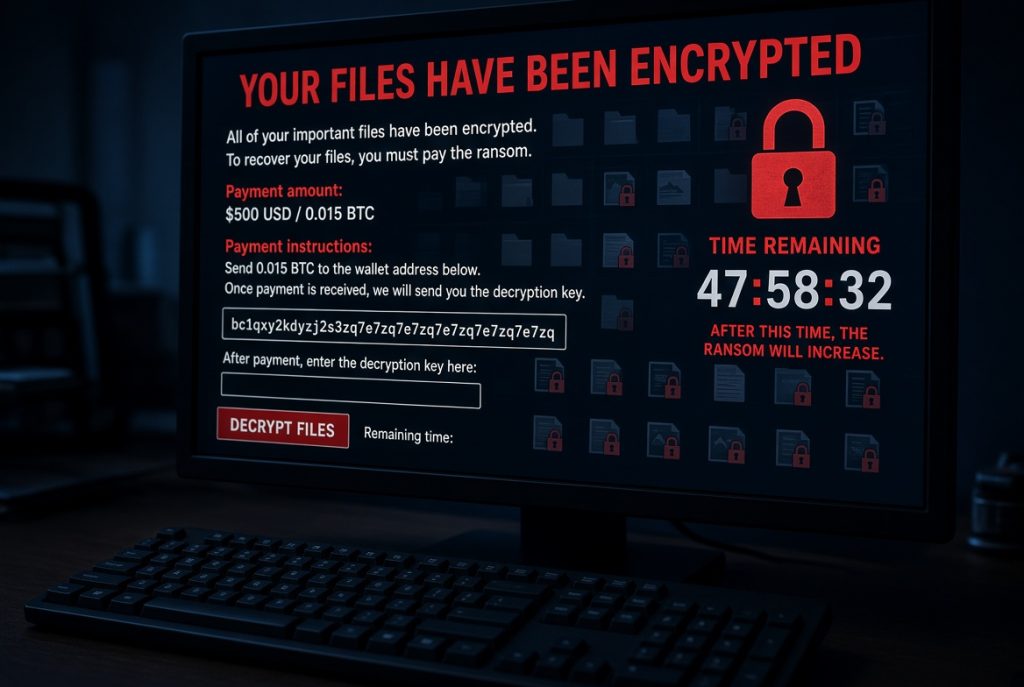
Hardware failure is no longer the only risk. Ransomware now encrypts files and can reach connected backup drives. Cloud accounts can be locked or wiped if login details are stolen. Staff can accidentally delete important folders. Power issues and simple wear still cause drives to fail without warning.
Regional businesses across the Mid North Coast face the same threats as firms elsewhere. The difference is that many local teams have limited technical support and less time to check whether their backups work.
Why backups so often disappoint

Several common gaps appear repeatedly. Backups run only to a single external drive that stays plugged into the same computer. No one tests the restore process. Important folders or email accounts are left out. Older versions are overwritten too quickly. In some cases, the backup itself becomes encrypted during an attack.
When recovery is finally needed, these gaps turn a manageable problem into days of lost work and incomplete data.
Plain terms that help
These ideas show the difference between a backup that exists and one that works.
Data backup is the process of making regular copies of important information so it can be restored later.
Data recovery is the work of retrieving that information after loss, damage or encryption.
Offsite or cloud backup keeps a copy in a separate location so local problems cannot destroy every version.
Tested recovery means checking that the backup can actually restore files when required.
Version history keeps several earlier copies so you can return to a clean point before a problem began.
Steps that reduce risk
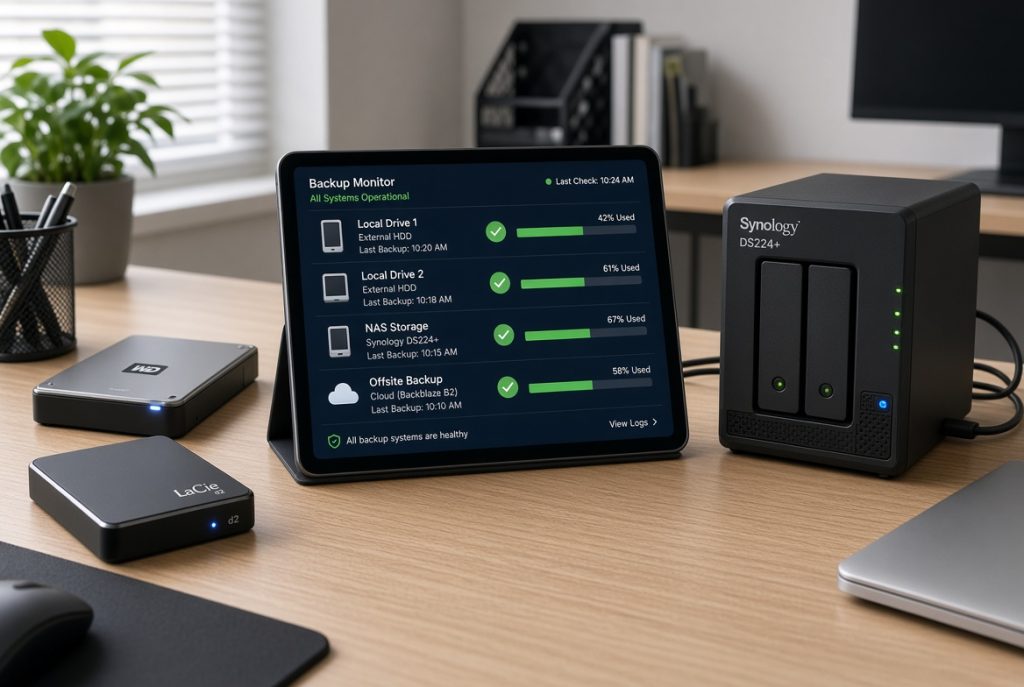
Reliable protection starts with more than one copy in more than one place. A local copy for speed and a separate cloud or offsite copy for safety form a solid base. Regular automated runs reduce the chance of forgotten updates. Occasional restore tests confirm the process works.
Some businesses benefit from managed monitoring that checks backup health. Others begin with a clear review of what is currently covered and what is missing. The right approach depends on how critical your data is and how quickly you need to be back online.
The real impact on your business

Businesses with tested, properly arranged backups recover faster and with less stress. Staff can return to normal work sooner. Customers experience fewer interruptions. Owners avoid the costly scramble that follows incomplete recovery.
On the Mid North Coast, firms that treat backup as a working system rather than a set-and-forget task stand out as reliable. Those that discover problems only during a crisis pay a higher price in time and reputation.
Ways we can assist
We have supported Mid North Coast businesses for more than 28 years and understand the practical pressures of running a firm in this region.
Our team can review your current backup arrangements, set up reliable data backup and recovery processes, strengthen related cybersecurity measures, or place systems under ProactiveCare monitoring. Onsite and remote support remain available when direct help is needed.

Come in and check your backups!
Visit our Port Macquarie store for a clear data backup and recovery review. Leave knowing exactly whether your current setup will protect you when it matters.