

Big Changes to Microsoft Security: What Passkeys Mean for Your Business

A quick, practical way for Mid North Coast business owners to spot risks before they become expensive problems.
At PC Pitstop, we keep up with technology changes so you don’t have to. There’s a major shift coming from Microsoft that will affect how you and your team log in to systems like Microsoft 365. You need to know what it means for your business.
What’s Changing?
Microsoft is phasing out older login methods like SMS codes and phone call verification. They’re replacing them with something called passkeys.
Key dates:
- From 1 September 2026, Microsoft starts rolling out passkeys as the default way to verify your identity.
- From 1 February 2027, SMS and voice-based verification will no longer be provided directly by Microsoft.
The login process is getting a major upgrade. The old methods are being retired.
Why This Matters
Cybersecurity threats have changed a lot in recent years. Attackers now use AI to create highly convincing phishing emails and scams. That makes it much easier to trick people into giving away passwords or verification codes.
Methods that used to be “good enough,” like SMS codes, are now vulnerable to attacks such as:
- Fake login pages designed to steal your details
- SIM swapping, where attackers take over your phone number
- Social engineering scams
Microsoft has seen phishing attacks become far more effective. Some campaigns now trick more than half of their targets.
So What Is a Passkey?
A passkey is a modern, more secure way to sign in. You don’t need a password or a text message code.
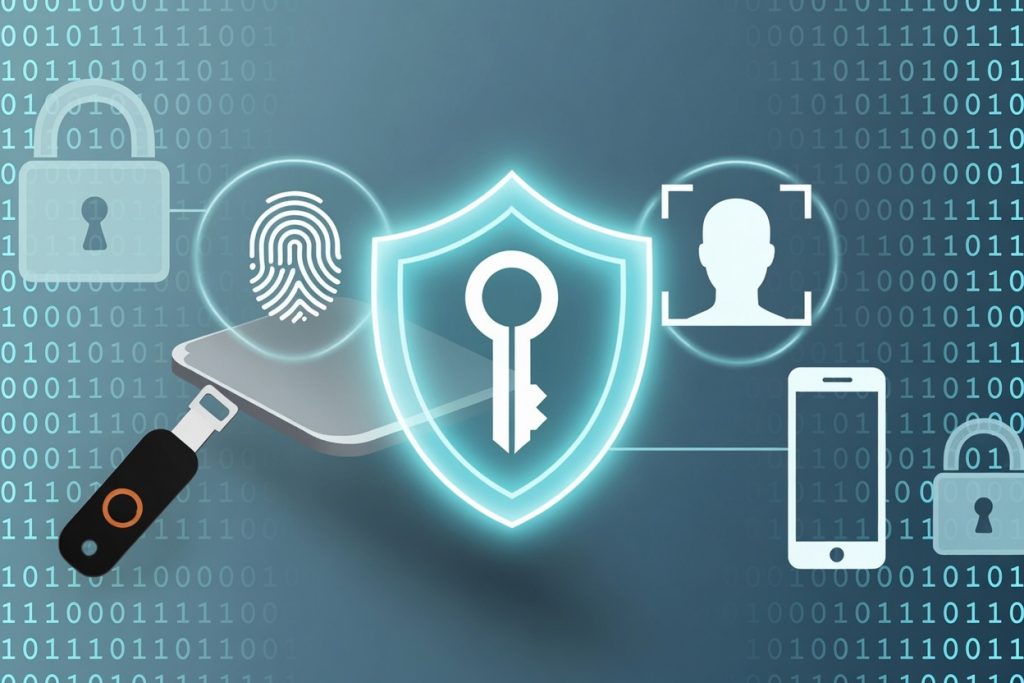
It uses things you already have or are familiar with, like:
- Your fingerprint
- Face recognition
- Your device (phone or computer)
You can also use a physical security key. These are small USB devices like YubiKey or other FIDO2 keys. You plug them in or tap them to your device to prove who you are. They offer the highest level of protection and are ideal for accounts with sensitive access.
Behind the scenes, it uses advanced encryption to keep your account secure. The key point is this. Passkeys can’t be easily stolen or tricked out of you like passwords or SMS codes.
Keeper and Passkeys
We also supply Keeper, a secure password manager that supports passkeys.
Keeper lets you:
- Store and manage passkeys safely across your devices
- Use passkeys for many of your business apps, not just Microsoft
- Keep your credentials protected even if a device is lost or stolen
For many businesses, Keeper becomes the central place to manage both passwords and passkeys in one system.
Which Option Is Right for Your Team?
Not every user needs the same level of security. The right choice depends on their role and risk.
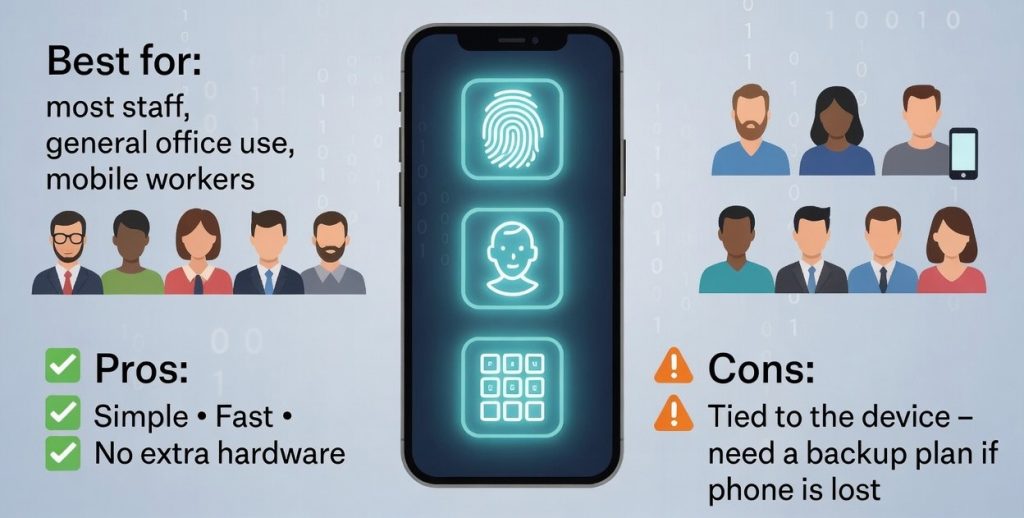
Phone-based passkeys (fingerprint, face, PIN)
Best for: most staff, general office use, mobile workers.
Pros: simple, fast, no extra hardware.
Cons: tied to the device, so you need a backup plan if the phone is lost.
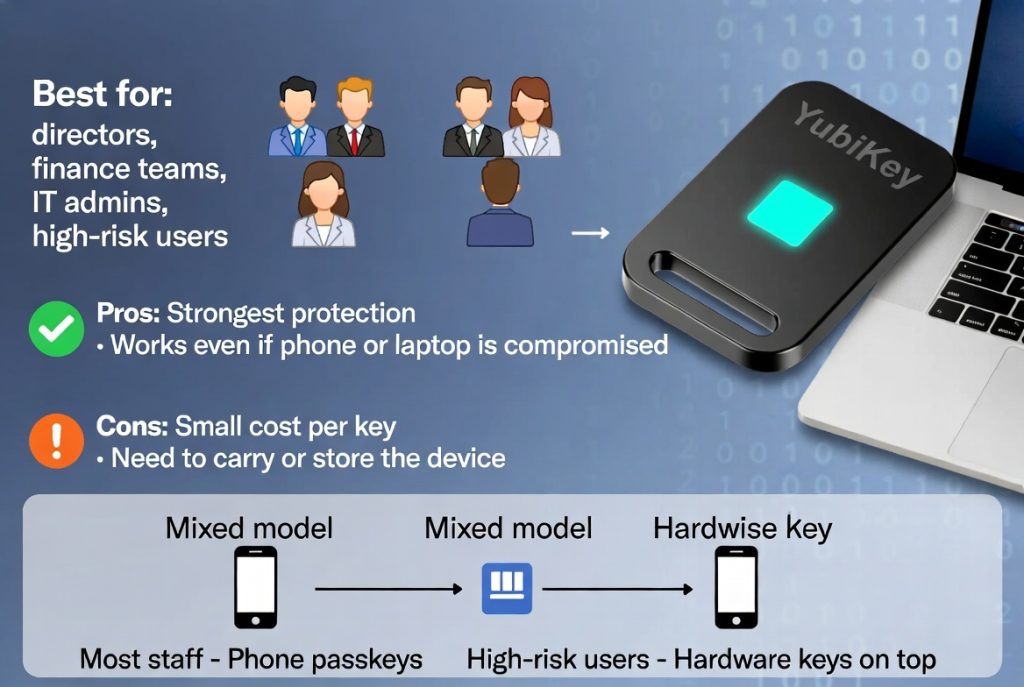
Hardware security keys (YubiKey, FIDO2)
Best for: directors, finance teams, IT admins, anyone with access to sensitive data.
Pros: strongest protection, works even if a phone or laptop is compromised.
Cons: small cost per key, need to carry or store the device.
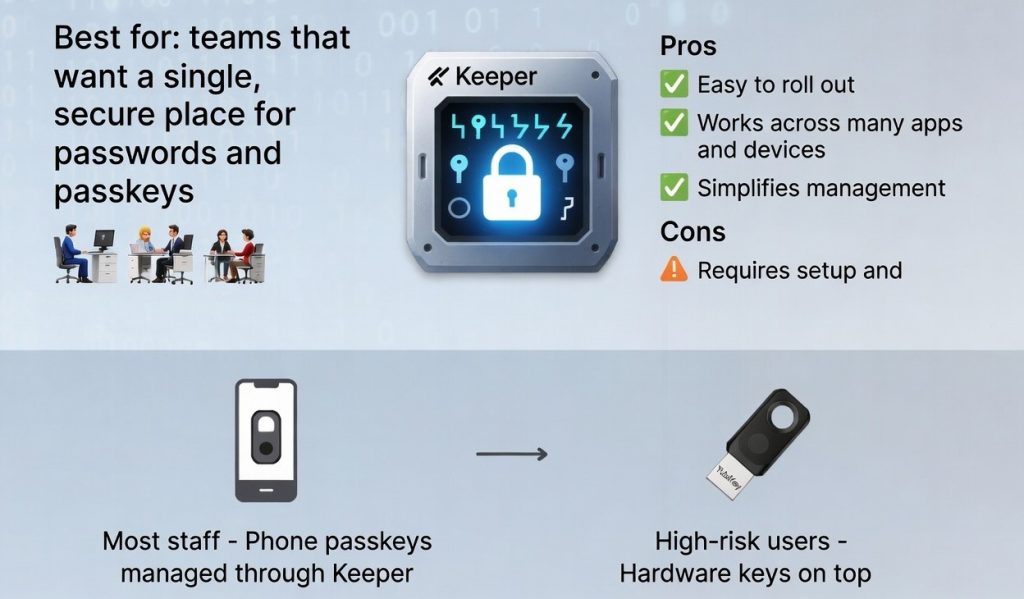
Keeper with passkey support
Best for: teams that want a single, secure place for passwords and passkeys.
Pros: easy to roll out, works across many apps and devices, simplifies management.
Cons: requires setup and user training to get the most from it.
A common approach is a mixed model. Most staff use phone-based passkeys, often managed through Keeper. High-risk users get hardware keys on top.
What This Means for Your Business
This change is positive. It does require preparation.
- Your team will start seeing prompts to set up passkeys
- Login processes will change slightly, but become faster and easier
- Businesses that don’t adapt may face higher security risks
If your organisation still relies on SMS or phone-based verification, you may also face additional costs after 2027 through third-party providers.

How PC Pitstop Can Help
This is exactly the kind of transition we help our clients navigate every day.
We can:
- Prepare your systems for the change
- Help your team set up passkeys, security keys, and Keeper
- Ensure your business stays secure and compliant
- Provide clear, jargon-free guidance every step of the way
Our goal is simple. Keep your business protected without making technology harder to use.
The Bottom Line
Security is no longer just an IT issue. It’s a business risk. As cyber threats become more advanced, the tools we use to protect access must evolve as well.
Passkeys are the next step forward. They’re safer, simpler, and designed for the modern threat landscape.
If you’re unsure how this impacts your business, now is the time to start the conversation.
Don’t wait for the next breakdown or cyber scare.
At PC Pitstop, we help Mid North Coast businesses and home users avoid costly downtime with proactive care, fast repairs, and expert advice. From SSD upgrades and virus removal to 24/7 monitoring and Essential 8 compliance — we’ve got you covered.
Take the first step today:
✅ Get a no-obligation quote
✅ Schedule your computer health check
Call us now on 02 6584 1551 or fill out our quick contact form. Your local IT pit crew is here to help!