

The hidden dangers of letting staff use personal devices

Across the Mid North Coast, smaller firms and offices frequently allow team members to manage messages or retrieve documents through private mobiles and notebooks. The setup appears practical and requires no added outlay. Still, these private gadgets commonly remain beyond organisational oversight and create openings for issues that stay hidden until difficulty surfaces.
The way work devices are used has shifted
Staff now expect to answer messages after hours or finish a task from home. Personal phones and tablets have become the default tool for many. At the same time, cyber threats have grown more targeted. A single compromised personal device can reach company email, shared files or customer records.
Older habits that once seemed harmless no longer match the risks. Unsupported software, weak passwords and missing security tools on personal devices create openings that criminals actively look for.

Why you should care
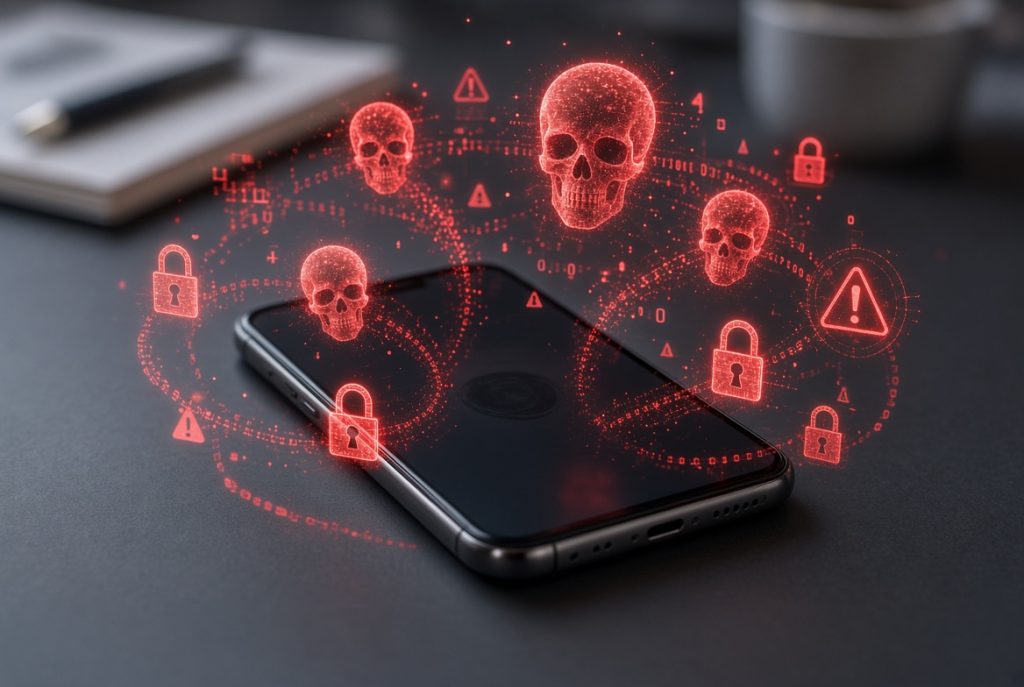
When personal devices carry work data, the line between private and company information disappears. A lost phone, a family member’s download or a public Wi-Fi connection can expose sensitive details. For a local business this can mean customer records at risk, interrupted operations or a reportable data breach under Australian privacy rules.
Everyday users face the same issue. Mixing personal photos, banking apps and work logins on one device raises the chance that a problem in one area affects everything else.
Definitions
BYOD means bring your own device. Staff use personal phones, tablets or laptops for work tasks.
Data leakage happens when company information leaves controlled systems, often through personal apps, email or cloud storage that the business cannot monitor.
Mobile device management is the set of tools that let a business set basic rules on devices used for work, such as requiring a passcode or the ability to wipe company data if the device is lost.
Essential Eight is the Australian Signals Directorate’s practical list of steps that make it harder for attackers to succeed. Controlling which devices can access systems and keeping software up to date sit near the top of that list.
Choosing the right approach for your team
Not every workplace needs a full ban on personal devices. Some simple options work well for smaller teams on the Mid North Coast.
- Keep work data only inside Microsoft 365 and limit what can be saved to personal storage
- Set clear rules about which apps and networks are allowed for company tasks
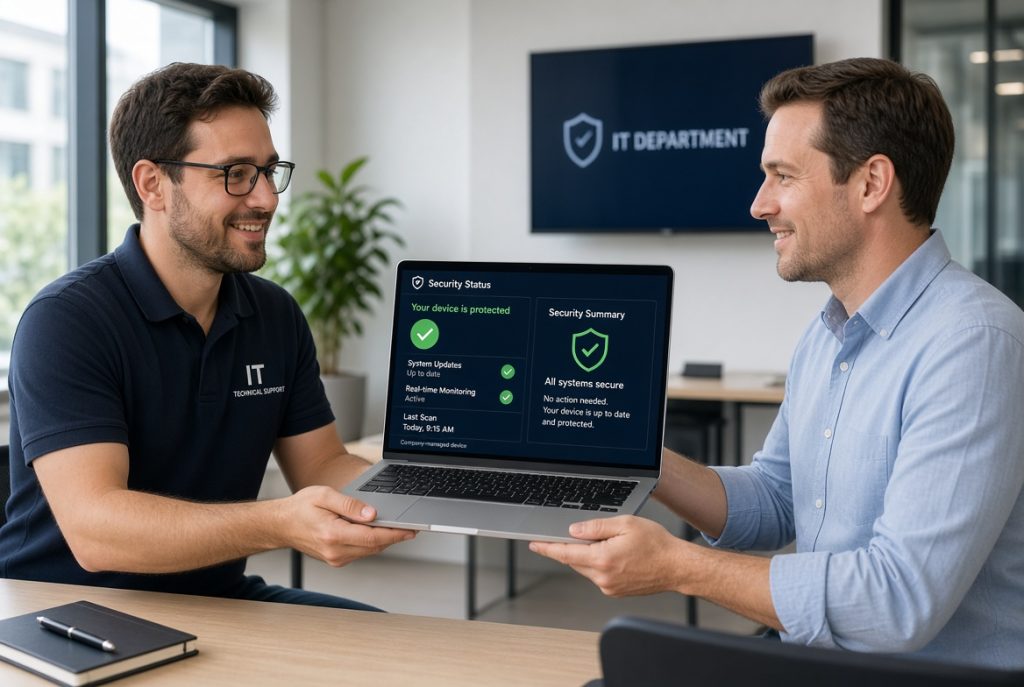
- Move key staff onto company-managed devices that receive proper updates and monitoring
- Use basic mobile controls so a lost phone does not leave customer information exposed
The best choice depends on the type of information handled and how often staff work away from the office. A short review usually makes the risks and practical fixes clear.
Impact on your business operations

Allowing uncontrolled personal devices raises the chance of malware reaching the network, files being copied without a record, or access continuing after someone leaves. Recovery takes time and money. Customer trust can suffer if personal details are involved. Meeting even basic Essential Eight expectations become harder when devices sit outside the business’s reach.
Clearer device rules and managed tools reduce those risks and give owners more predictable control over their information.
Reliable help when you need it
PC Pitstop has supported homes and businesses across Port Macquarie, Kempsey, Wauchope and the wider Mid North Coast for more than 28 years. We focus on practical solutions that fit local workplaces rather than complicated systems that sit unused.
Related services that address personal device risks include:
- Cybersecurity & Essential Eight guidance
- Microsoft 365 Business setup with better control over access and data
- ProactiveCare managed plans that monitor devices and catch problems early
- Technology consulting that matches advice to real team size and budget
- Onsite and remote support
- Data backup and recovery arrangements
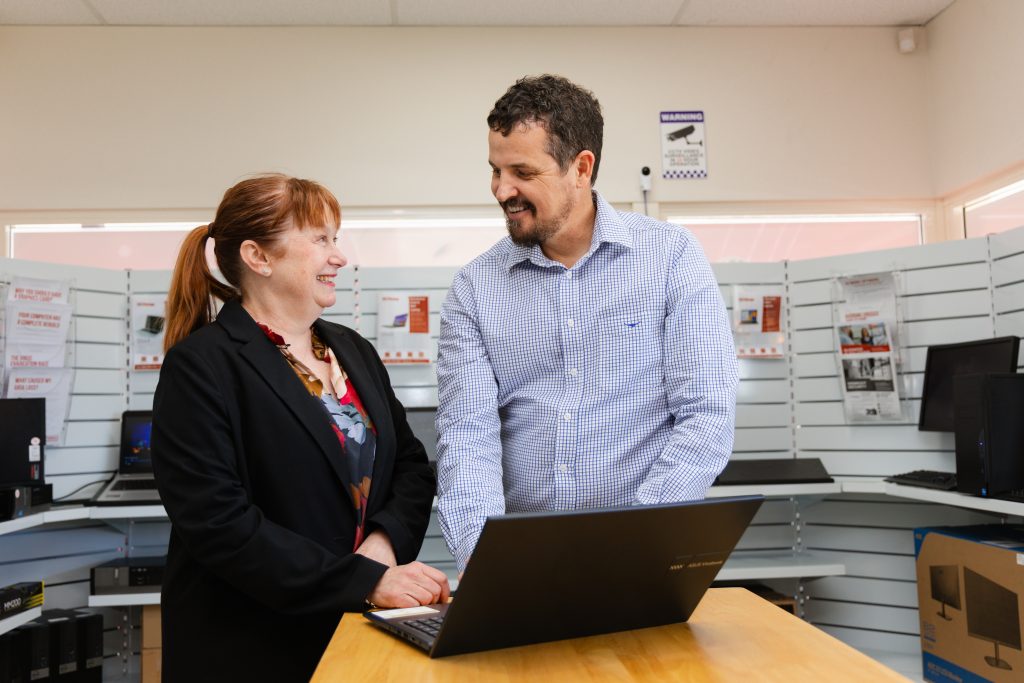
We explain the options in plain language and help you decide what level of control makes sense for your situation.
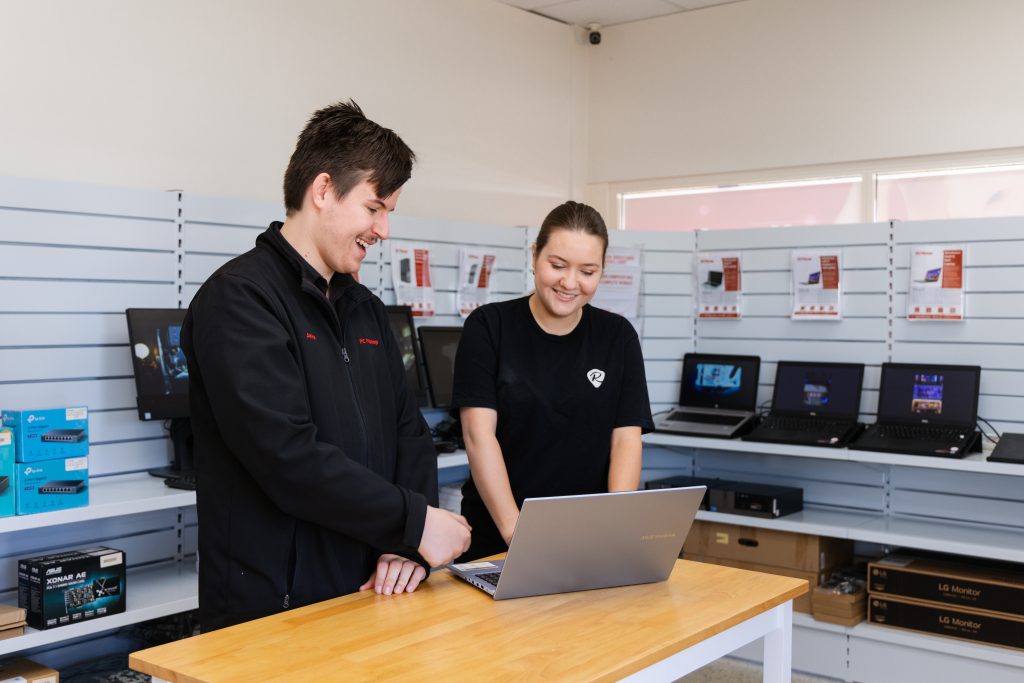
Worried about staff using personal devices for work?
Drop into PC Pitstop in Port Macquarie for a free cyber health check. We will show you the risks and the practical next steps that fit your team.