


The Five IT Mistakes Most SMEs Make without Knowing It

Running a small or medium business on the Mid North Coast keeps you busy. Customers, staff, suppliers and daily operations take priority. Technology often sits in the background until something breaks.
That quiet approach creates problems. Many local businesses make the same five IT mistakes without noticing. These errors slow work, open security gaps and create unnecessary stress. The good news is they are straightforward to correct once you know what to look for.
What’s shifting in local business technology
Work has changed. Cloud tools, remote access, online payments and digital communication are now standard, even for traditional local firms. Customers expect quick replies and secure systems. Staff need reliable devices and networks to get through the day.
Cyber threats have also increased. Attackers target smaller businesses because they often have weaker defences. Australian signals about rising ransomware and phishing attempts are clear. Waiting until something fails is no longer a safe option for Port Macquarie, Kempsey, Wauchope or surrounding areas.

Why these issues count for your team
Every mistake cost something. Lost files mean lost time. Slow systems frustrate staff and customers. A security incident can halt operations for days and damage reputation.
For decision makers who are not technical, the risk feels abstract until it becomes real. Fixing problems after they happen usually costs more than preventing them. Local businesses that treat IT as part of daily operations stay ahead of those who only react.
Clear terms worth knowing
A few plain explanations help:
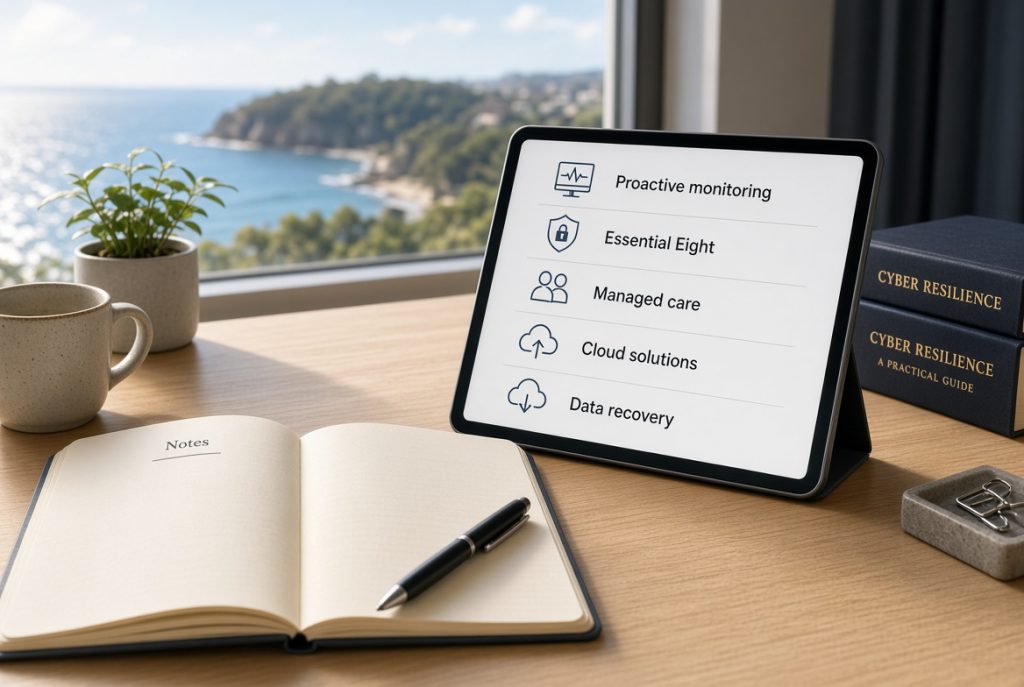
– Proactive monitoring means systems are checked regularly so issues are found early.
– Essential Eight refers to practical cyber security steps recommended by the Australian Signals Directorate.
– Managed care covers ongoing support, updates and protection under one plan.
– Cloud solutions let your team work from different locations using the same secure tools.
– Data recovery is the process of restoring information after loss, damage or attack.
These ideas form the base for better decisions.

The five mistakes most local SMEs make
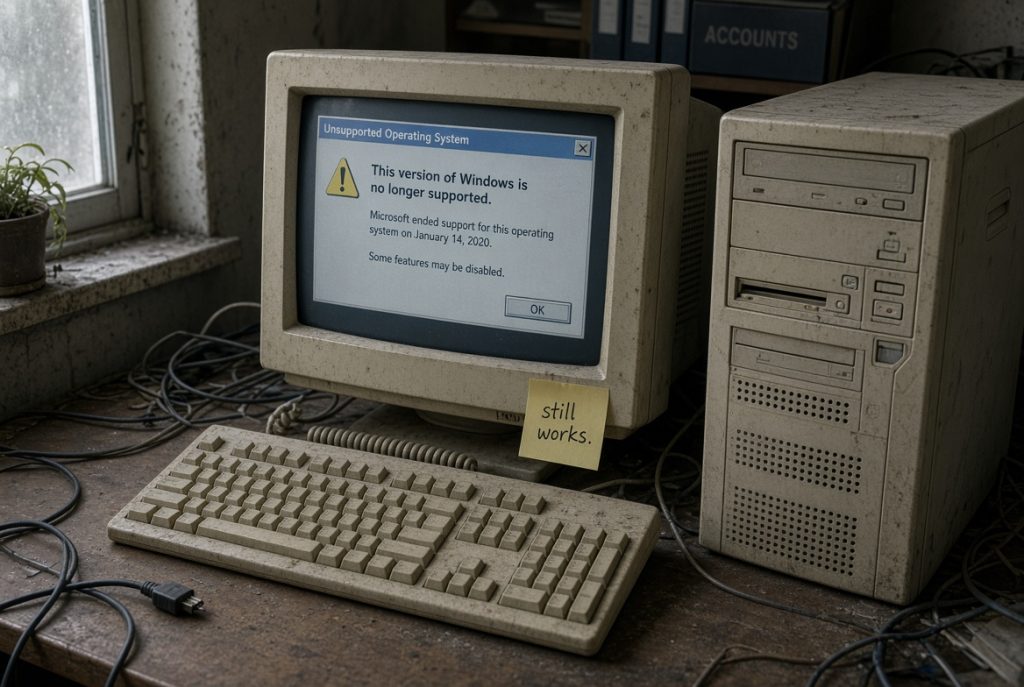
- Leaving software and systems outdated
Many businesses keep using older programs because they still work. Unpatched systems create easy entry points for threats and slow performance over time.
- Relying on incomplete backups
Saving files only on one computer or a single external drive is common. When that device fails or is encrypted by ransomware, recovery becomes difficult or impossible.

- Accepting poor network performance

Slow or unreliable Wi-Fi and network setups waste hours each week. Staff work around the problem instead of fixing the cause.
- Waiting for breakdowns instead of preventing them
Calling for help only when something stops working is the most frequent pattern. This approach creates longer downtime and higher stress.

Choosing what fits your team
The right approach depends on your size and daily needs. A small office may start with better backups and basic security settings. A growing team often benefits from managed support that includes monitoring and updates.
Microsoft 365 tools, proper network setup and regular reviews make a practical difference. The goal is systems that stay reliable without constant attention from owners or managers.
What this means for your business
Correcting these five mistakes reduces unexpected costs and protects your reputation. Staff spend less time fighting technology and more time serving customers. Decision makers gain clearer control and fewer late-night emergencies.
On the Mid North Coast, businesses that take these steps early position themselves as dependable and professional. Customers notice when systems work smoothly.

How PC Pitstop can help
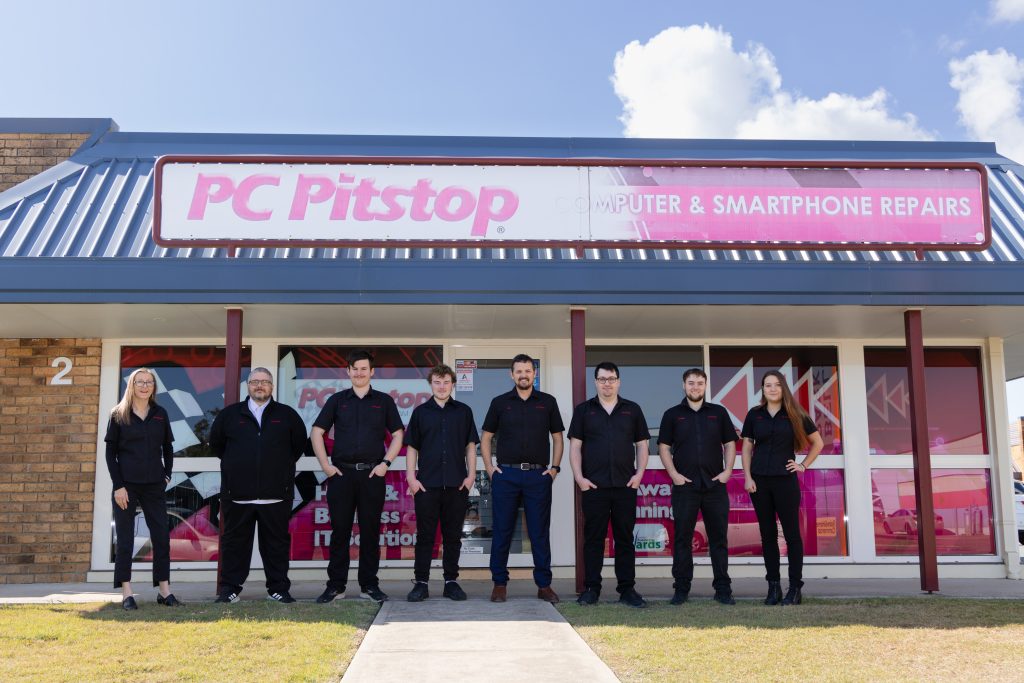
We have supported local businesses for more than 28 years. Our team understands the practical pressures of running a firm in Port Macquarie and nearby towns.
We offer technology consulting that starts with a clear look at your current setup. From there we can recommend practical next steps, whether that involves better backups, network improvements, cybersecurity aligned with Essential Eight principles, or a ProactiveCare plan that watches systems for you. Onsite and remote support remain available when you need direct help.
The main point
These five mistakes are common because they develop slowly and stay hidden until they cause trouble. Spotting them early gives you control.
Local businesses that address outdated systems, weak backups, basic security gaps, network issues and reactive habits gain steadier operations and greater peace of mind.

Ready for clearer IT decisions?
Call in to our Port Macquarie store for a free technology health check. Walk through your current setup with our team and leave knowing exactly what needs attention next.