

What remote work means for your IT security
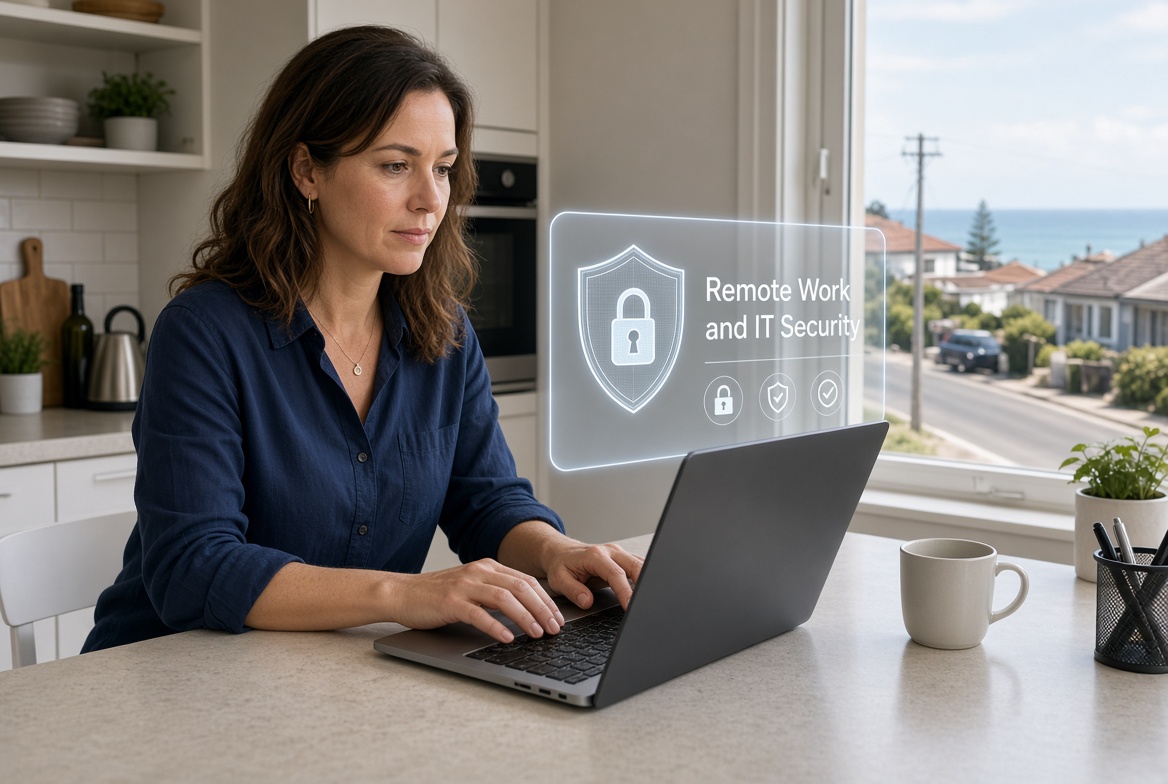
More people now complete tasks from home or other locations outside the main premises. This change brings convenience yet also new points of exposure. Everyday users and decision makers in smaller operations need a clear picture of what shifts when company systems are reached from outside. Local firms around the mid-north area of New South Wales face the same questions as larger ones.
Alterations in daily working patterns
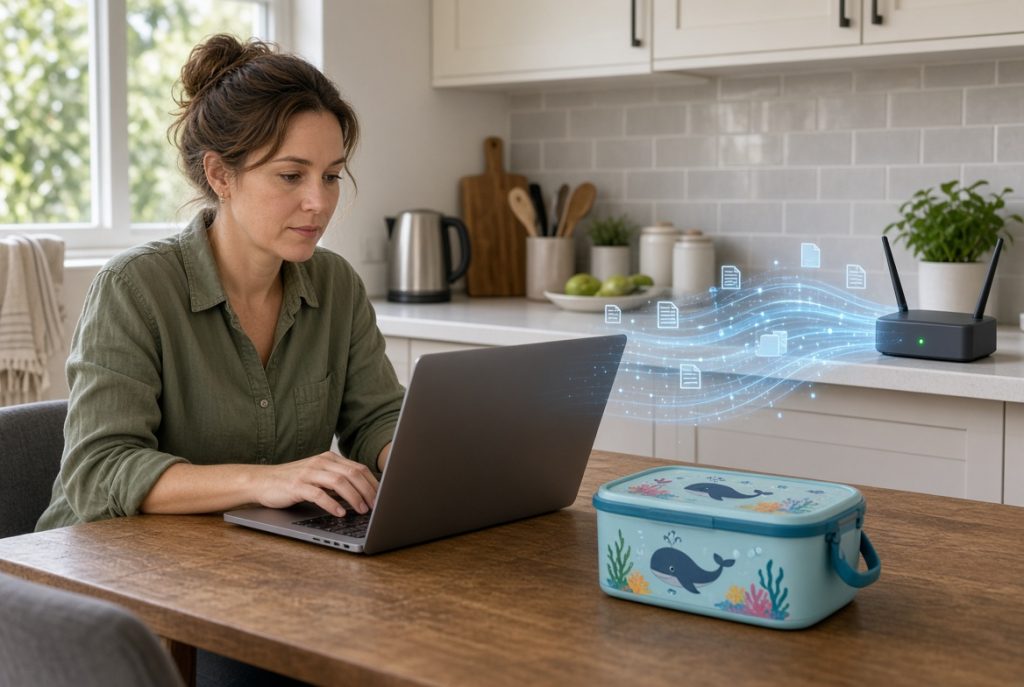
Work no longer stays inside one controlled building. Laptops travel between houses. Household internet connections carry company files. Personal devices sometimes join the mix. Each of these steps widens the path that outsiders might try to use.
Reasons the shift carries weight
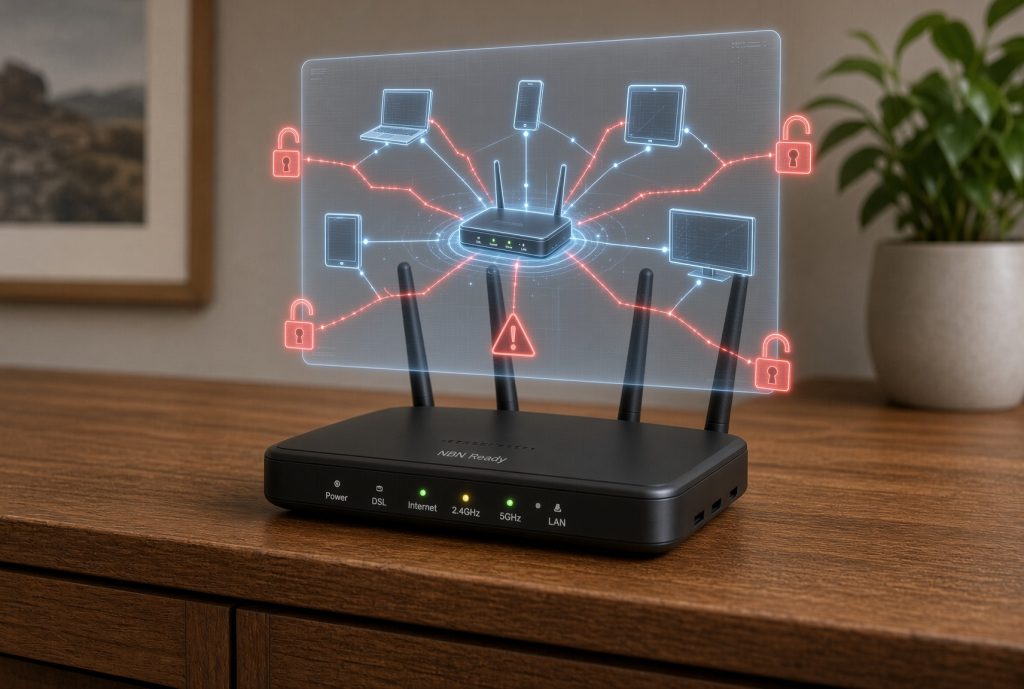
Home routers and shared family devices rarely receive the same attention as office equipment. Weak spots that stay unnoticed can open the way for unwanted entry. Decision makers then deal with interrupted access, lost files or questions about how information left the premises. Early attention keeps these problems smaller.
Simple explanations of core concepts
These ideas become useful once matched to the actual ways people already work away from the desk.
Off-site access means reaching company systems from a location that is not the main office.
Endpoint devices are the laptops, phones or tablets used for that access.
Connection hygiene refers to the basic habits and settings that keep those links safer.
Routes that fit different workplaces
Some operations begin by checking that every device used off-site has current protection and strong login steps. Others set clear rules about which files may leave the main systems. A few add simple tools that confirm a device meets basic standards before it connects. The practical route depends on how often people work away and what information they need.
Effects on the wider organisation
When off-site access is handled well, people stay productive without creating extra risk. Files remain available only to the right users. Decision makers gain clearer oversight of who connects and from where. The business keeps the flexibility of modern working patterns while limiting avoidable exposure.
Support offered by PC Pitstop
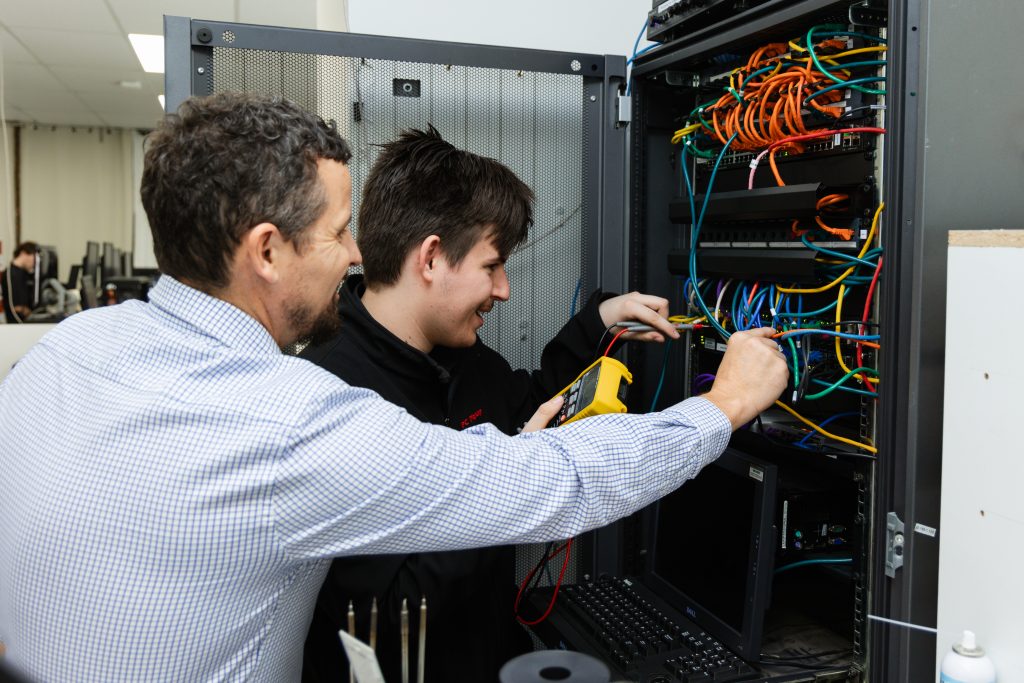
PC Pitstop helps local operators put practical measures around off-site working. We focus on clear steps that fit smaller operations and avoid unnecessary complexity. Assistance covers both the initial setup and the steady checks that keep arrangements sound over time.
Still treating home connections, the same as office ones?
Call into our store and talk with us about ProactiveCare Managed Care Plans. We will show how steady background checks keep off-site devices and connections under proper watch without adding daily burden. One visit gives you a clear, workable plan that matches the way your people actually work.