


What happens when your Microsoft 365 gets hacked
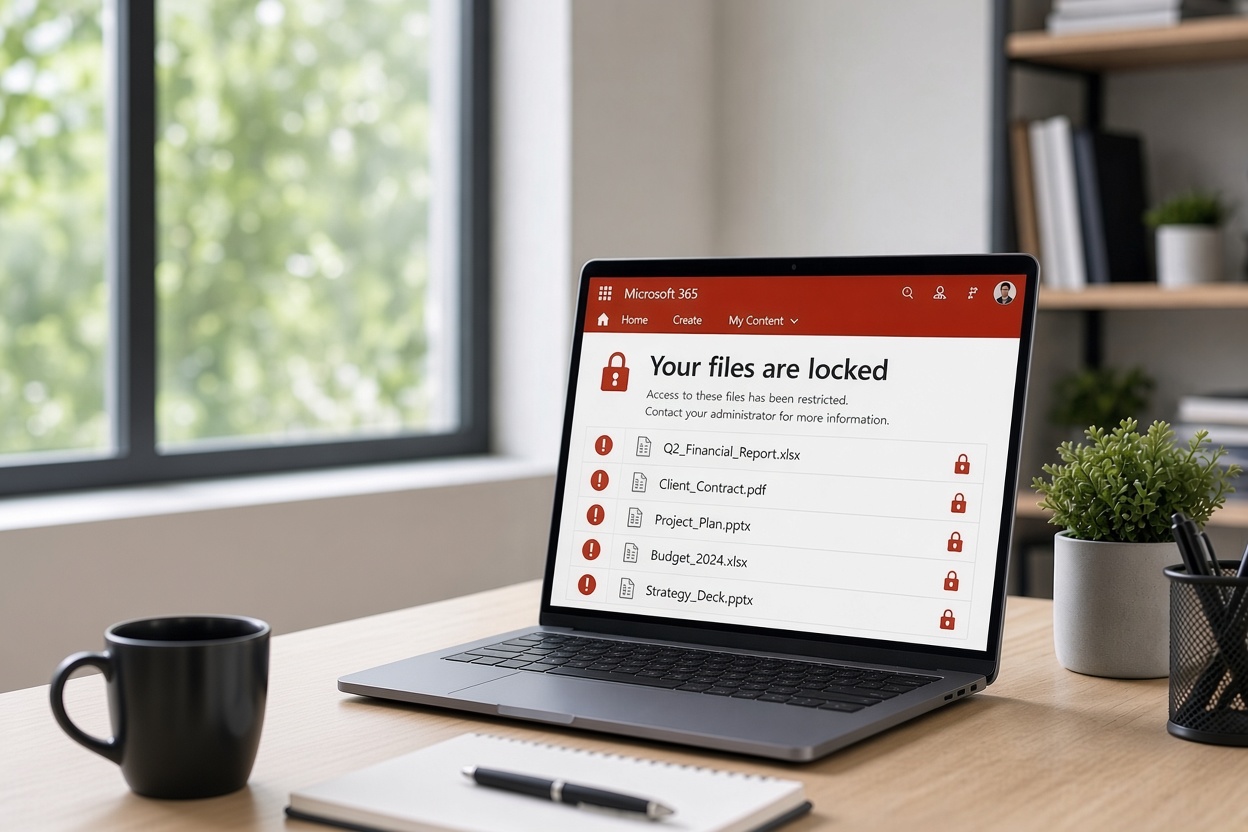
Microsoft 365 is now the daily workspace for many homes and businesses on the Mid North Coast. Email, files, calendars and team chats all live there. When an account is taken over, the damage can spread quickly and quietly. Most people only discover the problem after invoices go missing, strange emails appear, or files start vanishing.
The attack methods have become more focused
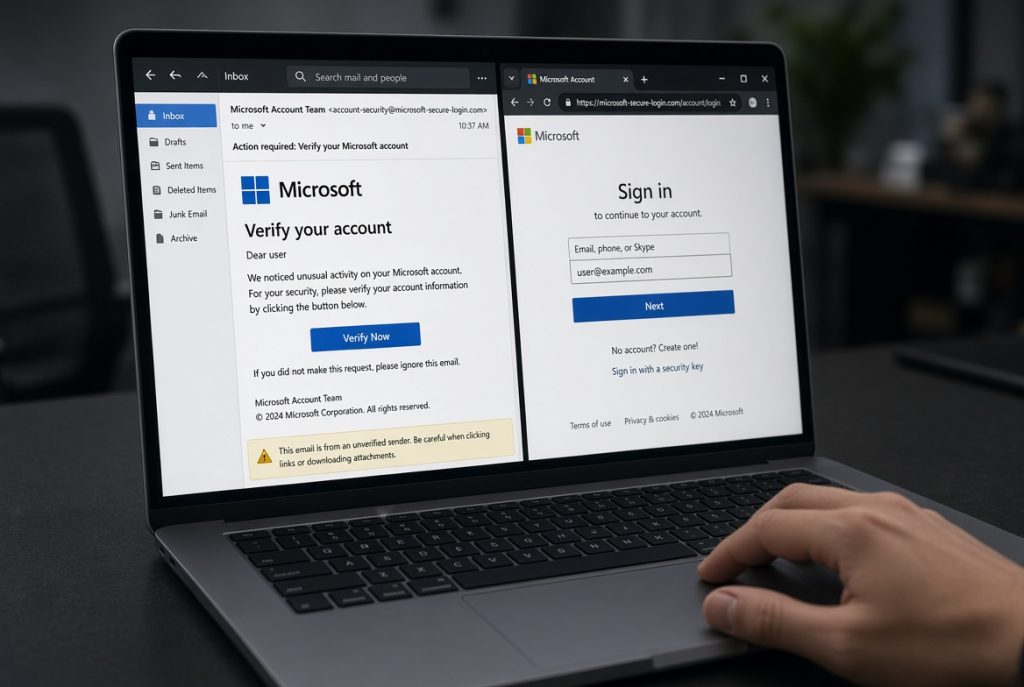
Attackers no longer need to break into a whole network. They target the login. A convincing email, a fake Microsoft page or a reused password is often enough. Once inside, they can set hidden forwarding rules, download shared files, or send messages that look like they come from you.
These takeovers have become more common because so many local businesses rely on the same cloud tools. Criminals know the patterns and look for accounts without strong protection.
The real risk
A compromised Microsoft 365 account gives outsiders access to customer details, supplier invoices and internal conversations. For a small business in Port Macquarie or Kempsey that can mean lost money through fake payment requests, interrupted work, or a reportable privacy breach. Home users risk personal photos, banking details and private messages.
The longer the access continues, the harder it becomes to clean up. Many people only notice when a client rings to ask about an unusual email or a bill that was never authorised.
Key terms explained
Account takeover means someone else has control of your Microsoft 365 login and can act as you.
Business email compromise is a common follow-on attack. The criminal uses the hacked account to send payment instructions that look genuine.
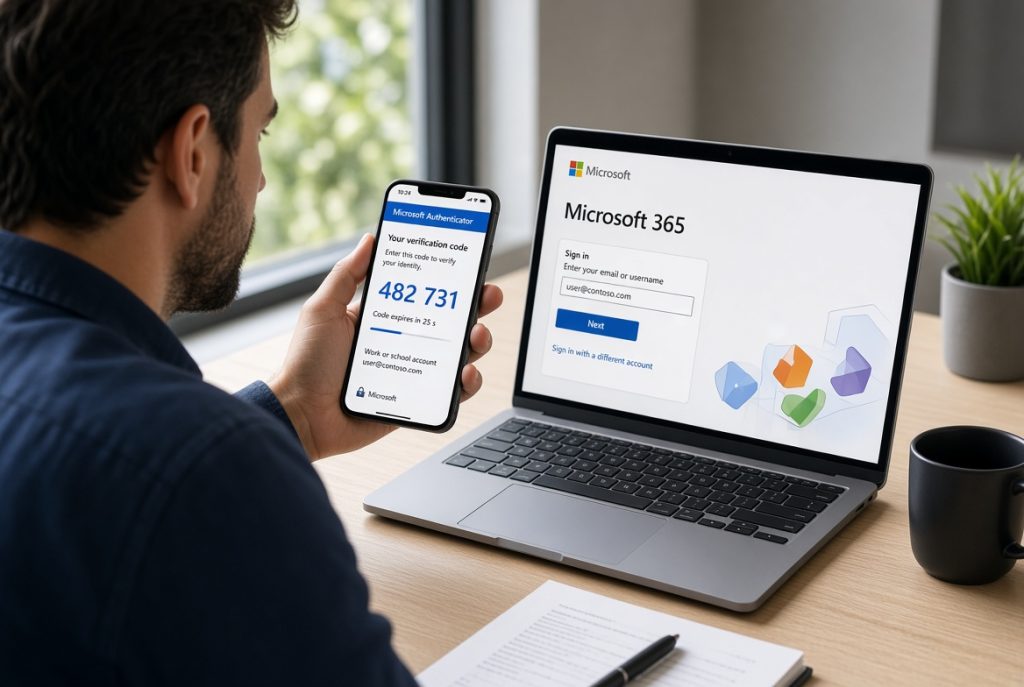
Multi-factor authentication adds a second step, such as a code on your phone, so a stolen password alone is not enough.
Conditional access is a set of rules that can block logins from unknown places or devices.
Essential Eight is the Australian Signals Directorate’s practical list of steps that make it harder for attackers to succeed. Controlling which devices can access systems and keeping software up to date sit near the top of that list.
Practical next steps
Not every business needs complex security software. Several practical steps close the most common gaps.
- Turn on multi-factor authentication for every account
- Review and remove any unusual email forwarding rules
- Keep regular backups of important files outside Microsoft 365
- Limit who can access shared folders and change permissions
- Use monitoring that alerts you to strange login activity
A short check of current settings usually shows which of these are missing and which can be fixed quickly.

Why this matters to your business

A successful takeover can halt email, lock staff out of files, and damage trust with clients who receive suspicious messages. Recovery involves resetting accounts, checking every mailbox for hidden rules, and sometimes restoring data from backup. Time and money are lost while normal work waits.
Businesses that already follow basic Essential Eight practices recover faster and face fewer long-term problems.
What options suit your team
PC Pitstop has supported homes and businesses across Port Macquarie, Kempsey, Wauchope and the wider Mid North Coast for more than 28 years. We treat Microsoft 365 security as everyday practical work.
Services that directly address these risks include:
- Microsoft 365 Business setup and security configuration
- Cybersecurity & Essential Eight guidance
- ProactiveCare managed plans with ongoing monitoring
- Data backup and recovery arrangements
- Technology consulting that matches protection to real team size
- Onsite and remote support
We explain the risks in plain language and help you put simple, effective controls in place.

We explain the options in plain language and help you decide what level of control makes sense for your situation.

Concerned about Microsoft 365 security?
Bring your questions into PC Pitstop in Port Macquarie for a free cyber health check. We will show you the weak spots and the practical next steps that fit your situation.