

What multi-factor authentication is and why you need it now
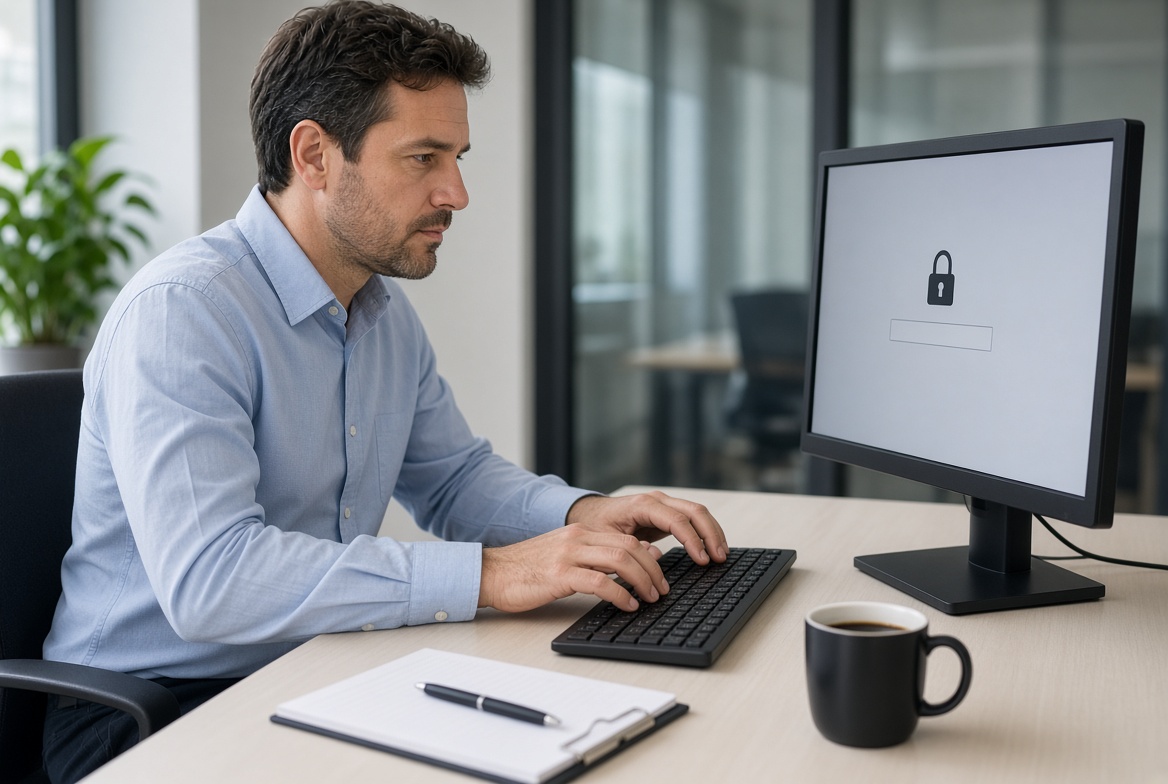
Logging into systems with a username and password forms a daily routine for business owners and their staff. The process is quick and familiar. Plenty of people still believe a strong password alone keeps accounts safe.
That belief no longer holds. Stolen or guessed passwords remain one of the most frequent ways attackers enter business accounts. Multi-factor authentication adds a second verification step that blocks the majority of these attempts.
The change in how logins are attacked
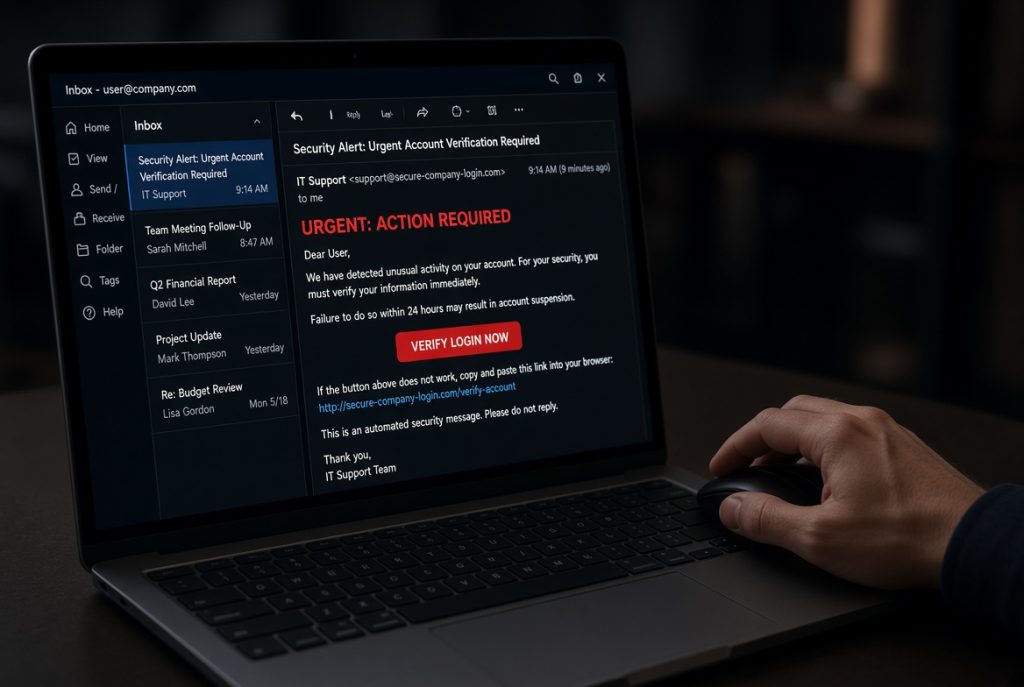
Attackers no longer need to break into systems the hard way. They collect passwords through phishing emails, data breaches or simple guessing. Once they have a working password, they can often log in as if they were a staff member.
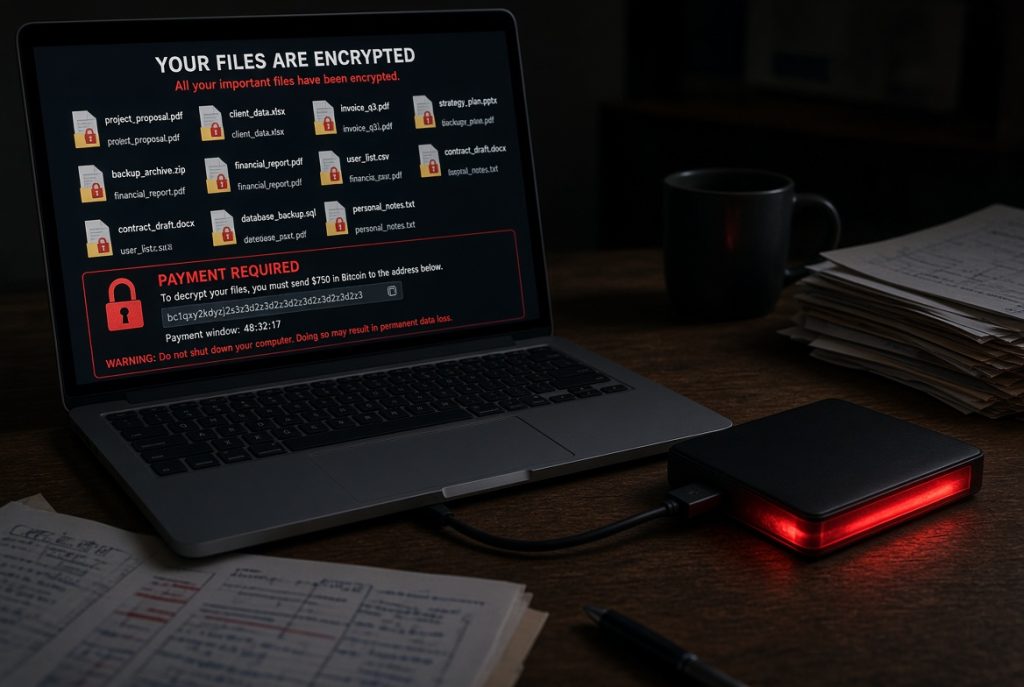
This pattern affects businesses of every size across the Mid North Coast. Email accounts, cloud storage, accounting software and customer systems are all regular targets. A single compromised login can lead to data loss, ransomware or ongoing unauthorised access.
Why an extra check makes a real difference
Passwords alone have clear limits. People reuse them. They write them down. They choose ones that are easy to remember. Even careful users can fall for a well-crafted phishing message.
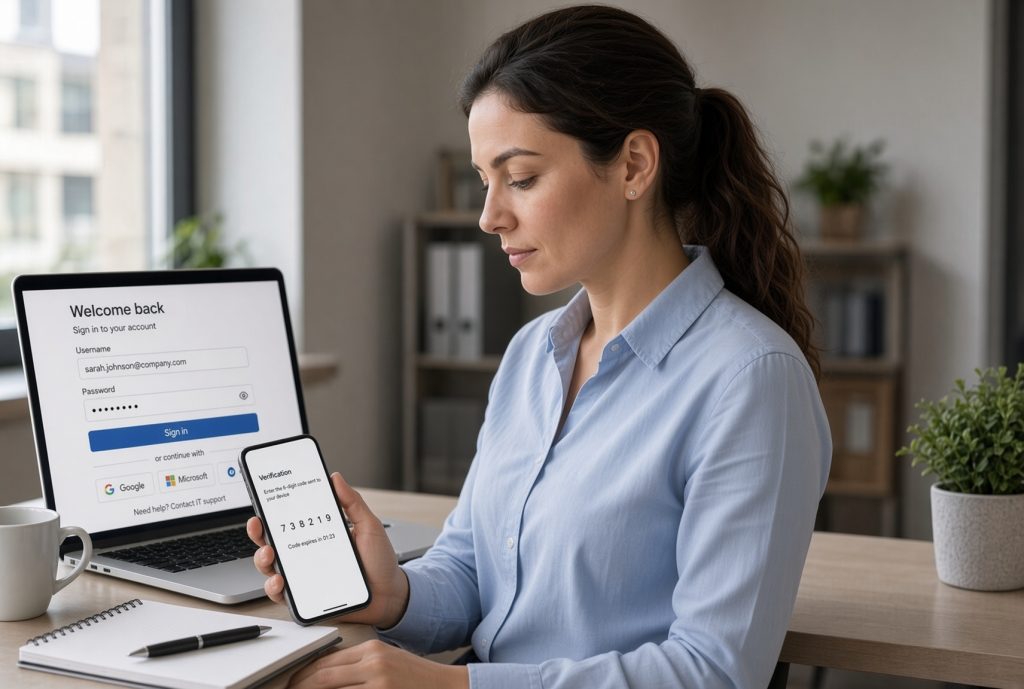
Multi-factor authentication requires a second piece of proof after the password. That second step is usually a code from a phone app, a text message or a physical key. An attacker who has only the password cannot complete the login. The extra step takes a few seconds yet blocks most password-based attacks.
Glossary of Terms
These ideas show why the extra step is now standard advice.
Multi-factor authentication (often called MFA or two-step verification) means proving your identity with more than one method before access is granted.
Password-only login relies solely on something you know.
Essential Eight includes multi-factor authentication as one of the practical measures recommended by Australian authorities.
Authenticator app generates a short time-based code on your phone.
Phishing is the practice of tricking people into revealing login details through fake messages.
What you can do today
Most modern business tools support multi-factor authentication. Microsoft 365, many accounting platforms, banking portals and cloud storage services all offer it. Turning it on is usually straightforward.
Some businesses start with the most critical accounts such as email and finance. Others apply it across every system that holds customer or business data. Staff can use a free authenticator app on their phones. The right approach depends on which systems your team relies on each day and how sensitive the information is.
The reason to act
Businesses that switch on multi-factor authentication experience far fewer successful account takeovers. Staff keep working without sudden lockouts caused by compromised logins. Customers and suppliers continue to deal with a firm that protects their information.
How we keep things running
We have supported Mid North Coast businesses for more than 28 years and understand the practical pressures of running a firm in this region.
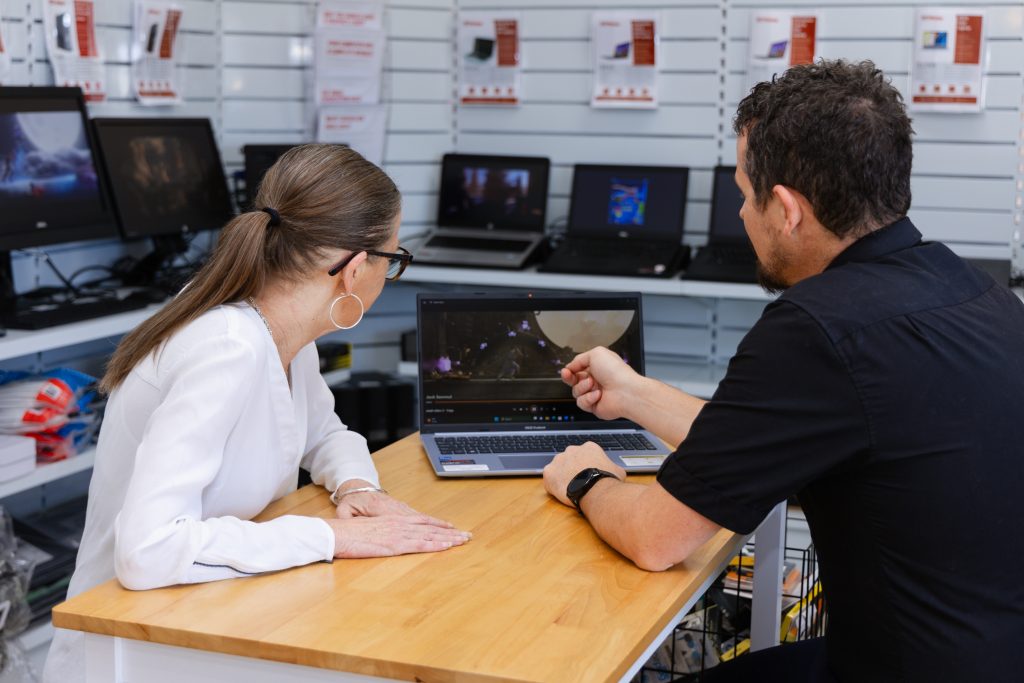
Our team can review your current login arrangements, set up multi-factor authentication across key systems, strengthen broader cybersecurity in line with Essential Eight principles, or place systems under ProactiveCare monitoring. Onsite and remote support remain available when direct help is needed.
In the final analysis
Passwords alone are no longer enough. Multi-factor authentication is a simple, proven step that blocks most password-based attacks.
Turning it on now reduces the chance that a stolen password leads to real damage for your business.
Come in and switch it on properly!
Visit our Port Macquarie store for a clear cybersecurity check focused on multi-factor authentication and Essential Eight readiness. Leave knowing exactly which accounts need the extra protection and how to set it up.