


How-to Guides
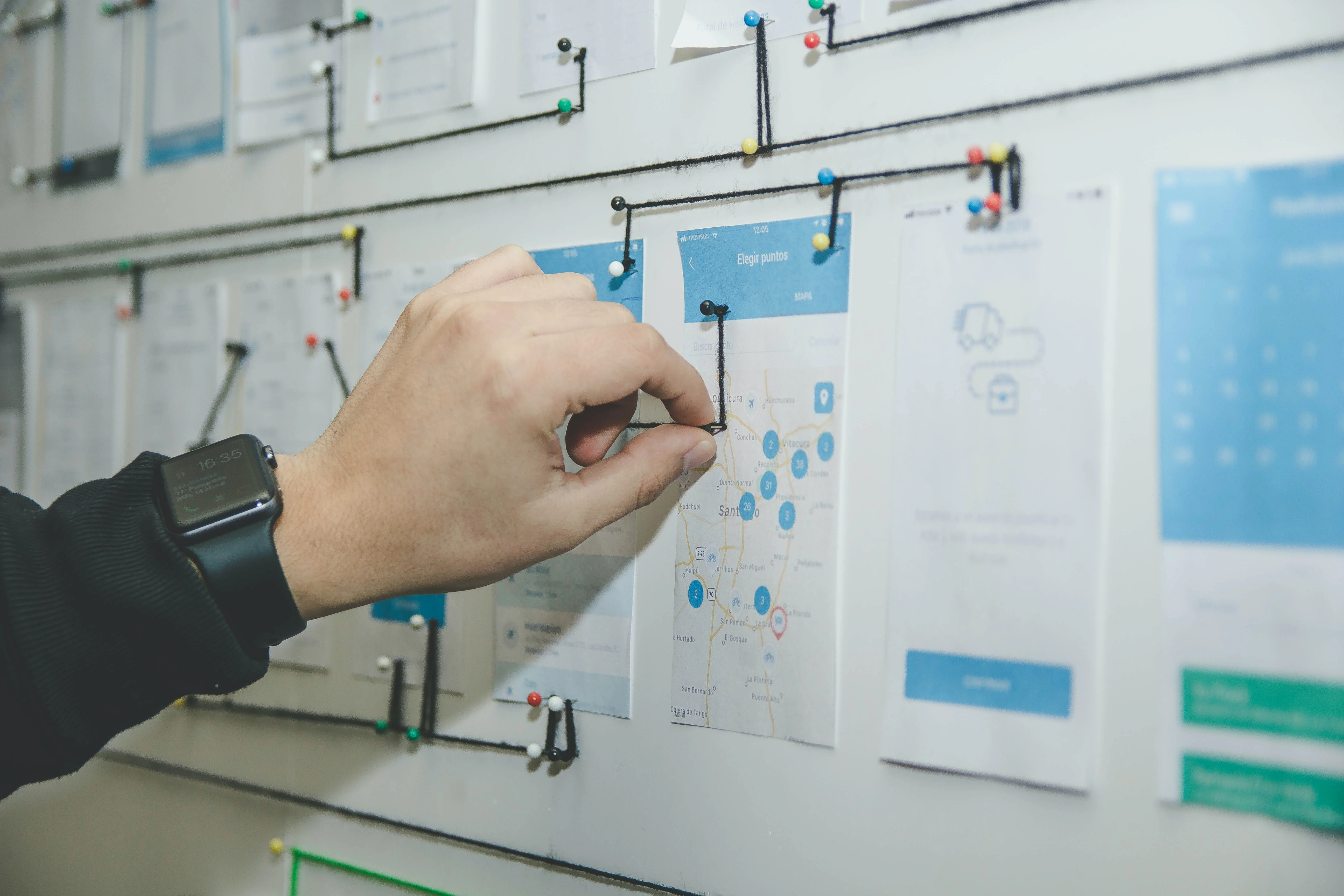
Your 9 Step Website Emergency Plan
Having your website down can be almost as devastating as a facing a natural disaster. It can affect user confidence, loyalty and ultimately eat into your bottom line, particularly if you are paying for online traffic.
7 Essentials for Your Business IT Setup
While most big businesses are all up to date with their back-up and redundancy strategies, SMEs all too often don’t give full consideration to what could happen should disaster strike. The recent spate of natural disasters, including widespread flooding, hit many businesses hard. While some had no back-up strategy at all, others had their equipment stored in building basements that were the first to be flooded out.
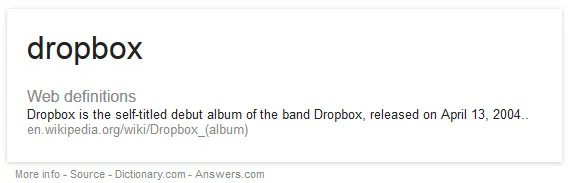
Why We Love Dropbox!
“Dropbox. Another strangely named app-thingy I know nothing about…” Sound familiar? Yeah, I hear you, but this is one very handy app-thingy you gonna wanna know about. It’s all about convenient organisation see.

Top 5 Best eBooks for Online Marketing
Everyone with a website and a vision wants their business to fire up online. We do too! That’s why we’ve done the searching for you and shortlisted our Top 5. There are millions out there but what we look for is easy to read, straight to the point, RELEVANT info…preferably delivered by someone with experience and poise!
The Top 10 Best Computing Practices as Complied by UCSC
Although complied by a university for a university, this top 10 list is relevant for just about any home or business. I especially like #9 – it’s the become one of the most common reasons for viruses seen on computers coming into the workshop of late – and one that is so easily avoidable!
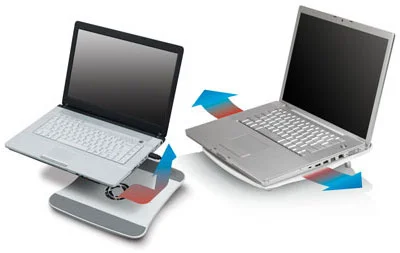
PC Pitstop’s Laptop Safety Tips
Safely using your laptop will help ensure that your laptop works properly, and you don’t get injured. Improper use or not being aware of safety issues can cause your laptop irreparable damage. These safety tips should be added to your weekly laptop maintenance routine and will help you stay productive and safe no matter where you are working.
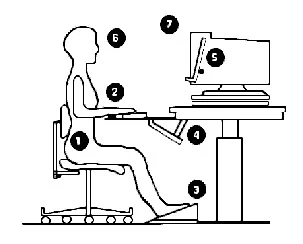
8 Essential Ergonomic Checks to Save Stress on your Body
Ergonomics is about the relationship between you and your computer and shouldn’t be ignored. Here’s our 8 Essential Ergonomic Checks to Save Stress on your Body:
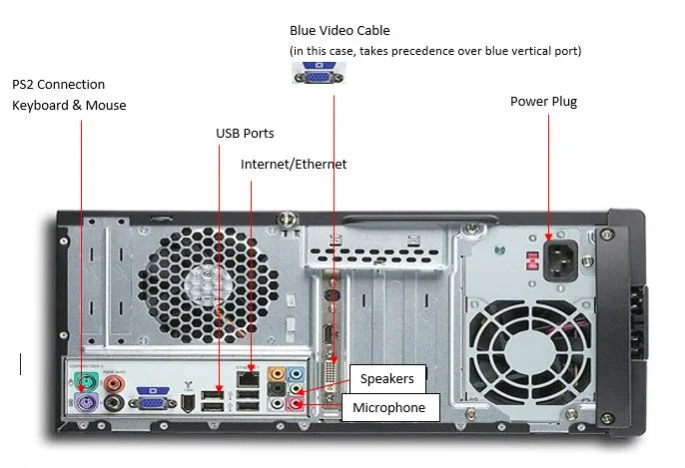
PC Pitstop’s Desktop Connection Guide
Just got your computer back from repair and facing the task of plugging it all back in? Fear not, this simple rear desktop computer connection guide will help you out!

How to Prolong the Life of your Laptop Battery…
Your laptop battery charges whenever your computer is plugged into external power through an AC Adapter, an optional power adapter, or an optional docking device. The battery charges whether the computer is off or in use, but it charges faster when the computer is off.
Beware Spyware
How do you keep spyware from tracking your habits or hijacking your computer? One-third of Internet users have been spyware afflicted and this figure is on the rise.

Avoiding Viruses & Scams
PC Pitstop sees all manner of viruses and software ‘bugs’ every day from a huge range of different sources. It is near impossible to keep up with the speed at which new viruses or scams spread, but common sense tells us where to look. It is with this knowledge that we have compiled some basic tips to avoid costly damage from viruses occurring on your machine.
Good ‘Old School’ Computer Tips
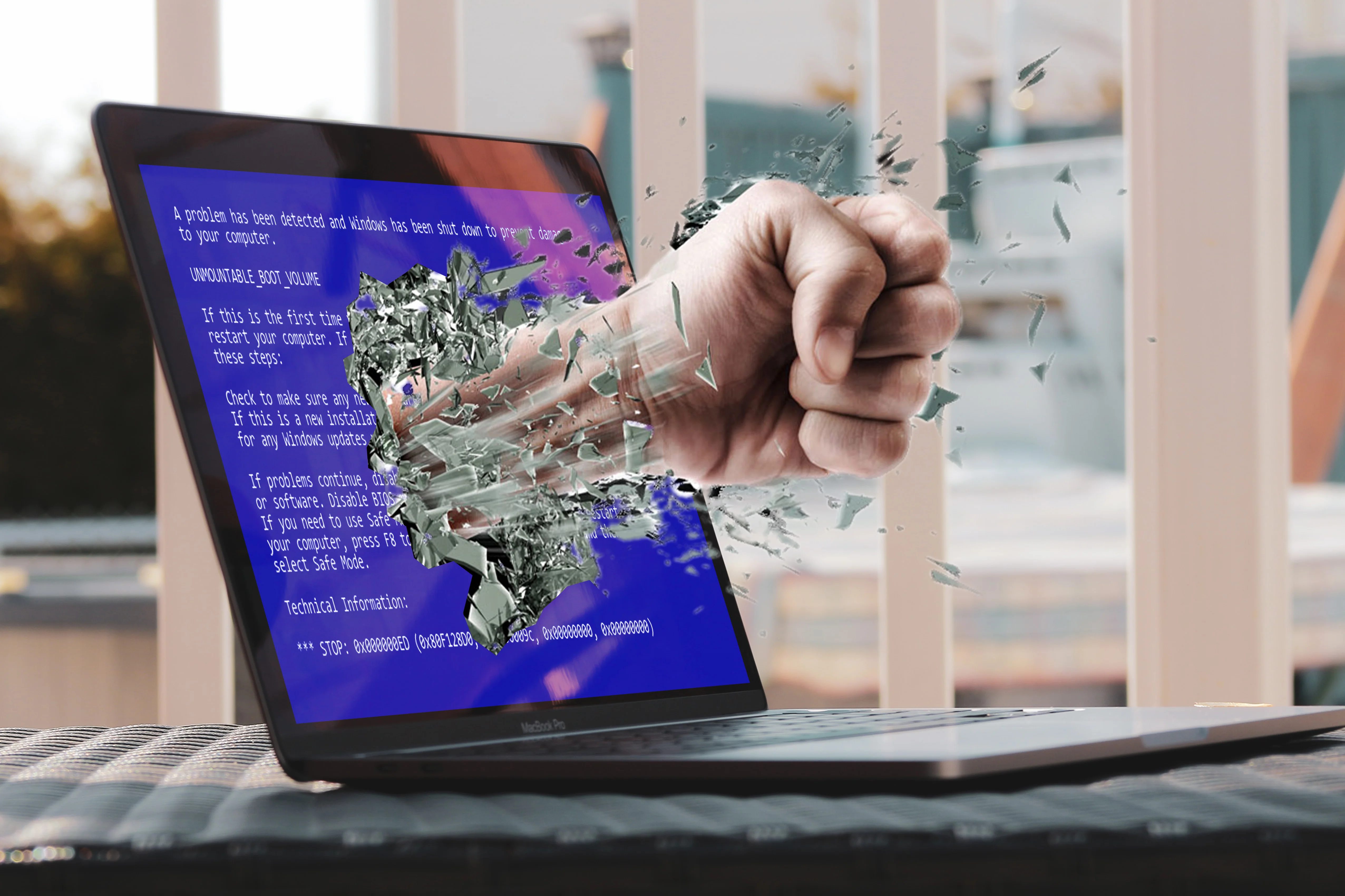
Some tried and true ‘Old School’ computer tips are still useful and relevant today. Of course, there are Solid State Drives and Flat Screens and Wireless Everything these days but not everyone has the latest and greatest device and let’s face it, not everyone needs the latest and greatest.