


Trending Technologies
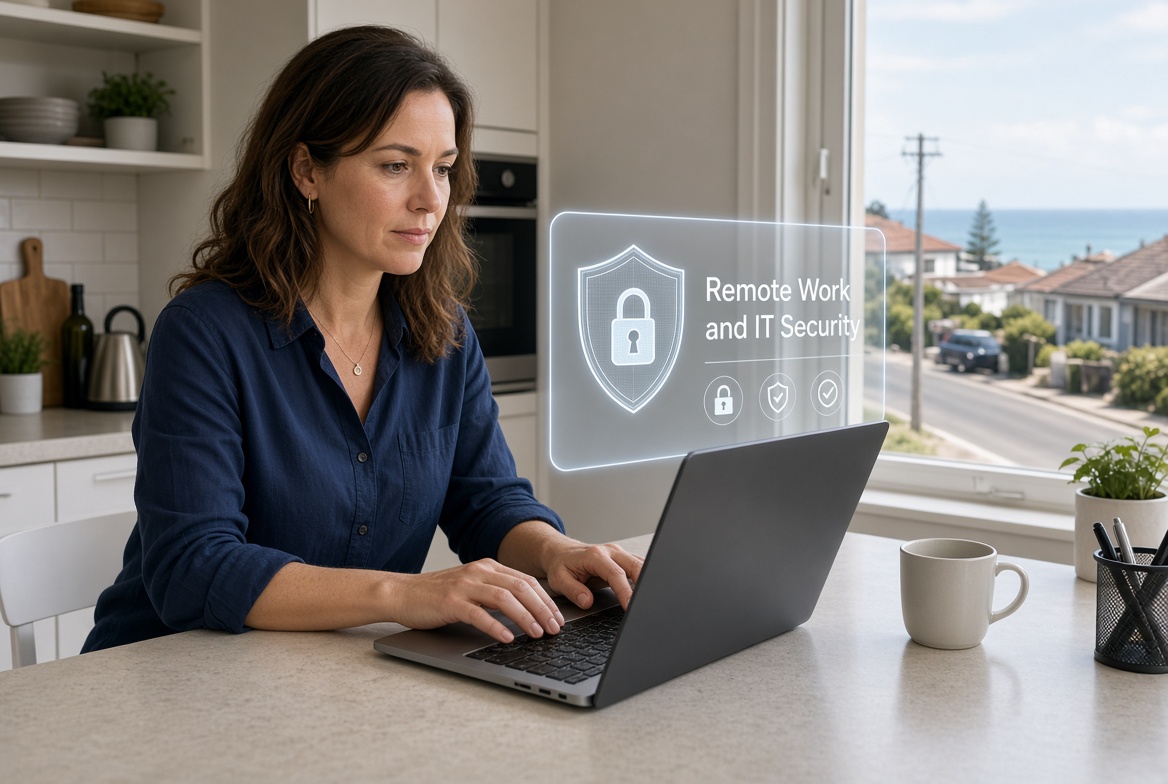
What remote work means for your IT security
Working away from the main premises changes the risk picture for company systems. Simple checks and habits help local operators keep flexibility without opening unnecessary gaps.

How to protect your business email from being hijacked
Business email is a frequent target for account takeover. Straightforward settings and habits protect messages, payments and client trust for local operators.

The real story behind “we’re too small to be hacked”
The idea that modest size offers safety from digital intrusion is widespread yet mistaken. Automated methods target easy gaps, making basic preparation essential for local enterprises.

Why your business should care about compliance and data laws
Holding customer and employee details creates legal duties for every business. Simple steps help local operators protect records, meet expectations and avoid unnecessary risk.
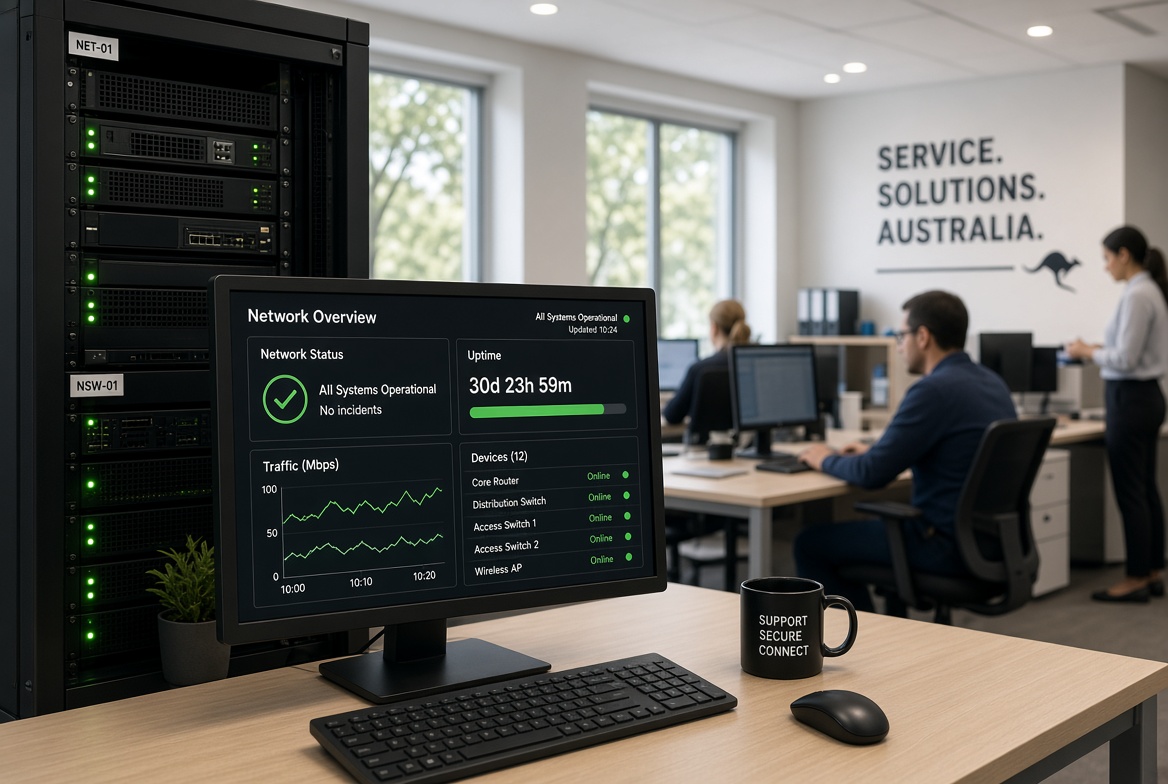
What proactive monitoring actually does for your network
Background network checks catch slowdowns and faults early. Small businesses gain steadier internet, fewer interruptions and clearer records of what is happening behind the scenes.

How to choose the right IT partner for your business
Choosing the right IT partner affects daily reliability and cost control. Simple checks help small businesses find support that matches real needs and response expectations.

The risk of “shadow IT” in small businesses
Unapproved apps and personal online tools quietly spread through small businesses. Bringing them into view protects information and keeps daily work under control.

Why your finance team is a prime target for attackers?
Finance teams process money and trusted requests daily, making them a favoured mark for criminals. Local firms can reduce the risk with clear checks and the right system settings.

How to talk to your team about cybersecurity without boring them
Staff tune out long security lectures. Short, relevant conversations help regional New South Wales teams spot risks early and protect daily operations without the usual boredom.
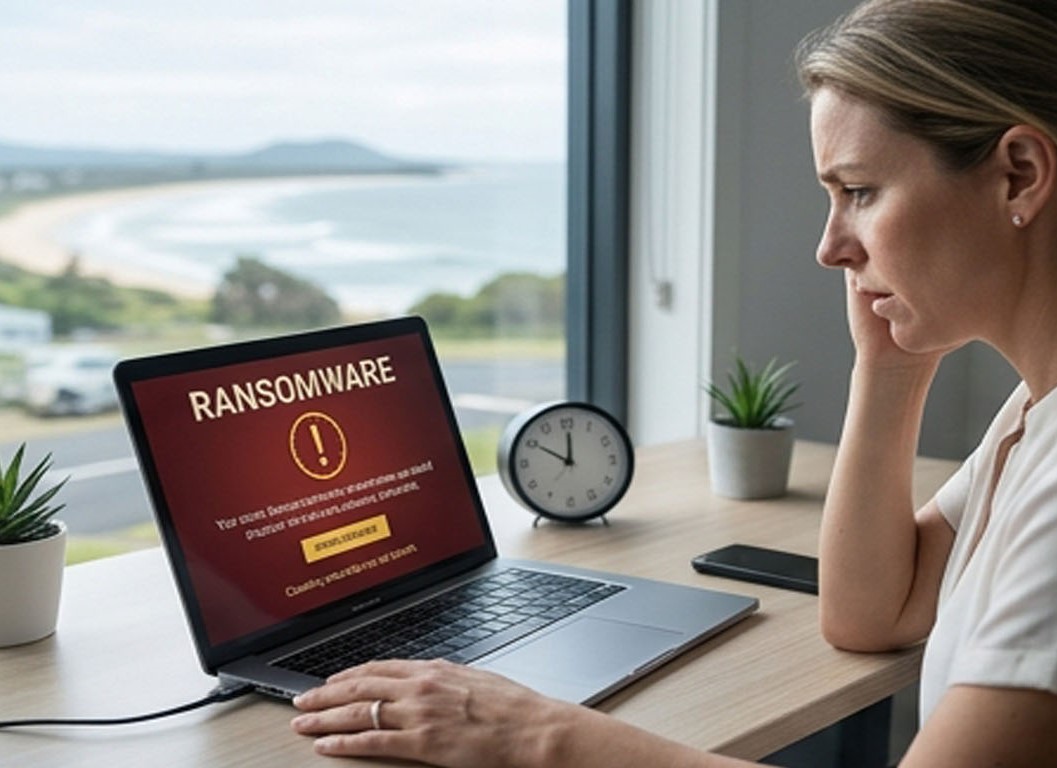
What to do in the first 24 hours after a cyber incident
The first 24 hours after a cyber incident decide how much damage occurs. Simple steps for Mid North Coast homes and businesses help contain the problem, preserve evidence and restore systems faster with local support from PC Pitstop.

Why your Wi-Fi setup matters more than you think
A reliable Wi-Fi setup is no longer optional for homes and businesses on the Mid North Coast. Poor coverage, slow speeds and weak security cost time and money. Here is what has changed, what the terms mean, and how the right network keeps your team productive.
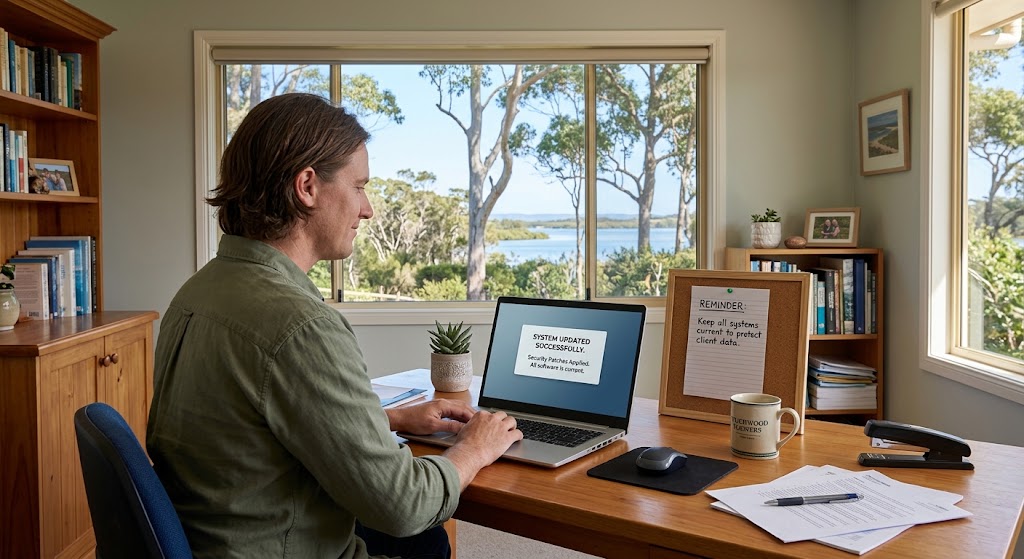
The role of updates and patches in stopping cyberattacks
Software updates and security patches close known weaknesses that attackers target. Keeping systems current is one of the simplest ways Mid North Coast businesses and everyday users can reduce the chance of successful cyberattacks.