

How to protect your business email from being hijacked
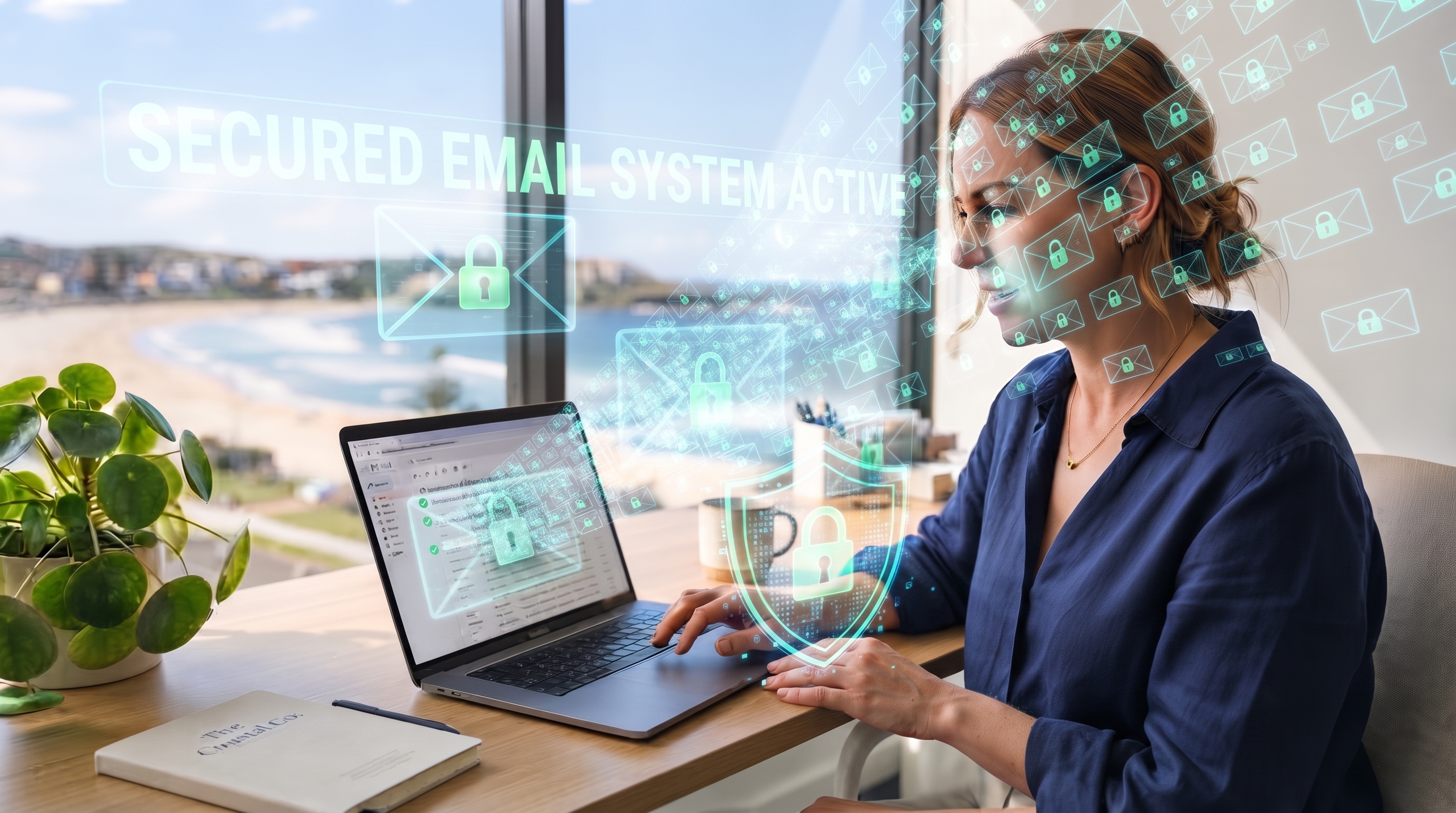
Email remains the main channel for invoices, quotes, supplier messages and internal instructions. When an account falls under unauthorised control, the damage spreads quickly. Everyday users and decision makers in smaller operations often assume their messages are safe by default. Simple habits and settings change that risk for businesses across the New South Wales coastal strip.
Evolving risks around message systems
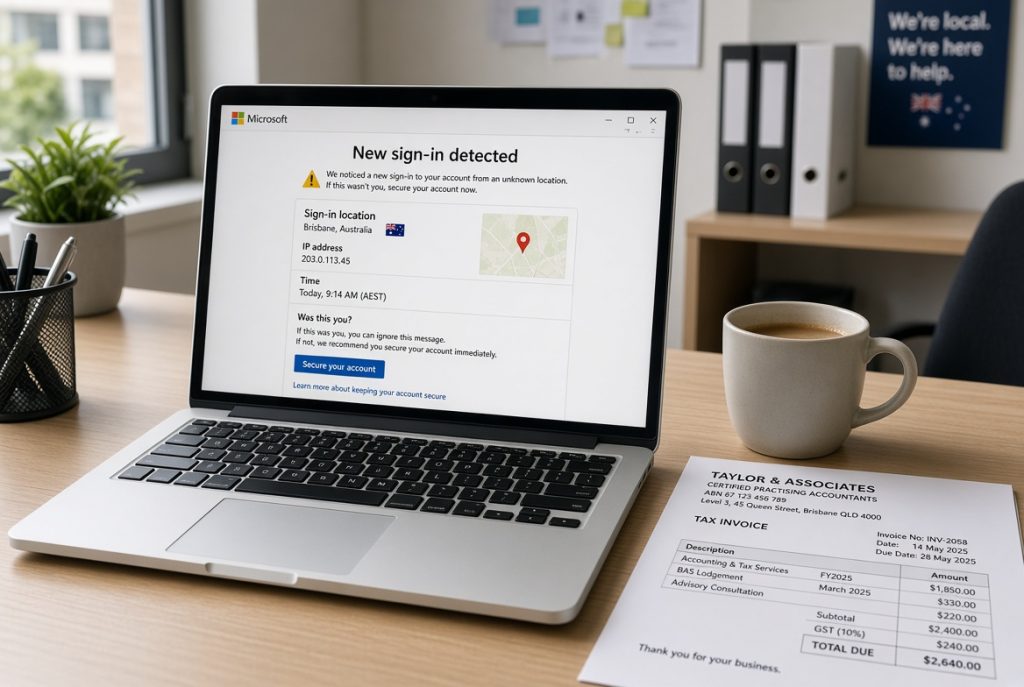
Criminals now focus on login details more than complex technical breaks. Stolen or guessed passwords open the door. Once inside, they can redirect payments, send false instructions or simply watch conversations. The methods rely on volume and speed rather than sophisticated code.
Reasons protection deserves focus
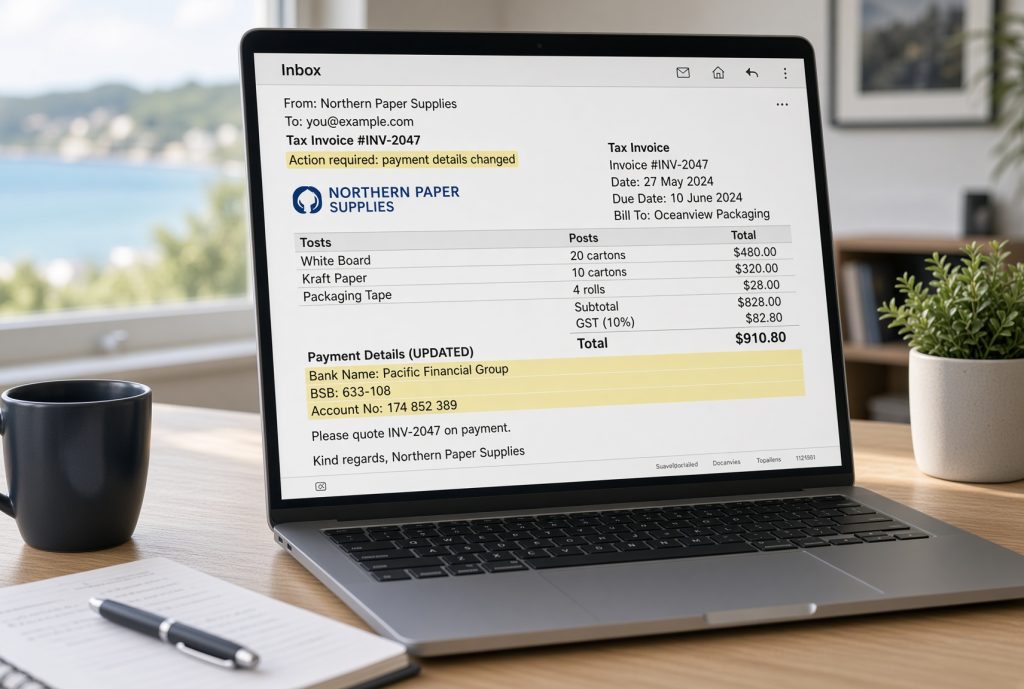
A compromised inbox can authorise false payments or leak confidential quotes. Clients may receive messages that appear genuine yet contain harmful links or changed bank details. Restoring trust and correcting the damage takes time and money. Decision makers who act early keep these costs lower and preserve normal trading.
Straightforward meanings for key concepts
These ideas become useful once connected to the daily email habits already in place.
Account takeover means someone else gains the ability to read, send or delete messages from your address.
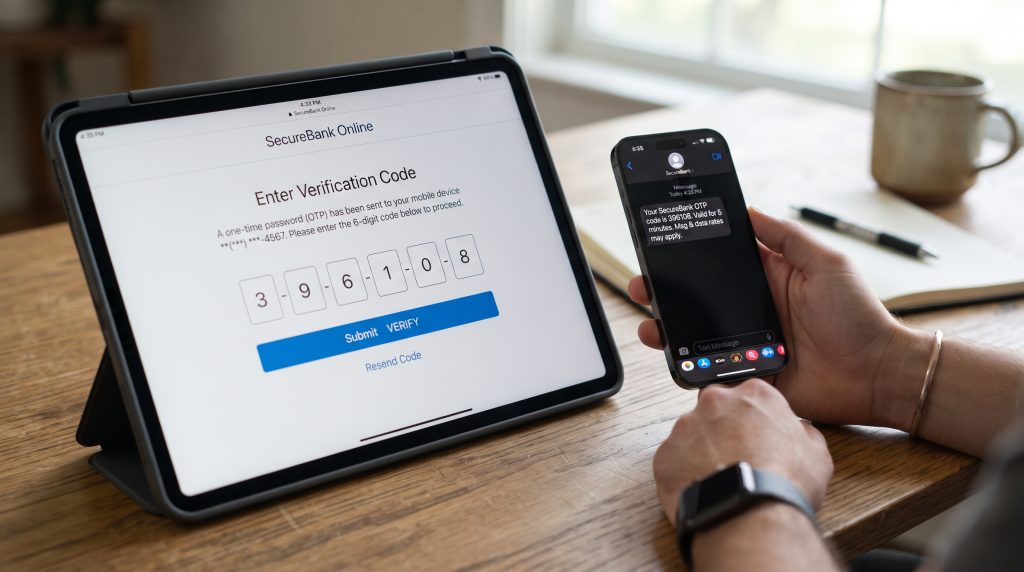
Multi-factor verification adds a second check, usually a code on a phone, before access is granted.
Sender spoofing creates messages that look as if they come from a trusted person.
Practical routes for different workplaces
Some operations start by turning on multi-factor verification for every user. Others add rules that flag messages from outside the organisation when they request money or information. Regular password reviews and limits on forwarding rules close further gaps. The right mix depends on how many people send financial or client-related messages.
Impact on daily operations

When email stays under proper control, payment instructions remain reliable. Client conversations stay private. Workers waste less time verifying suspicious requests. Decision makers gain confidence that one of the most used tools is no longer an open door.
Help available through PC Pitstop
PC Pitstop assists local operators with clear, practical steps to secure business email. We focus on settings that work without slowing daily tasks. Support covers both the initial setup and ongoing checks that keep protections current.

Clear actions worth taking
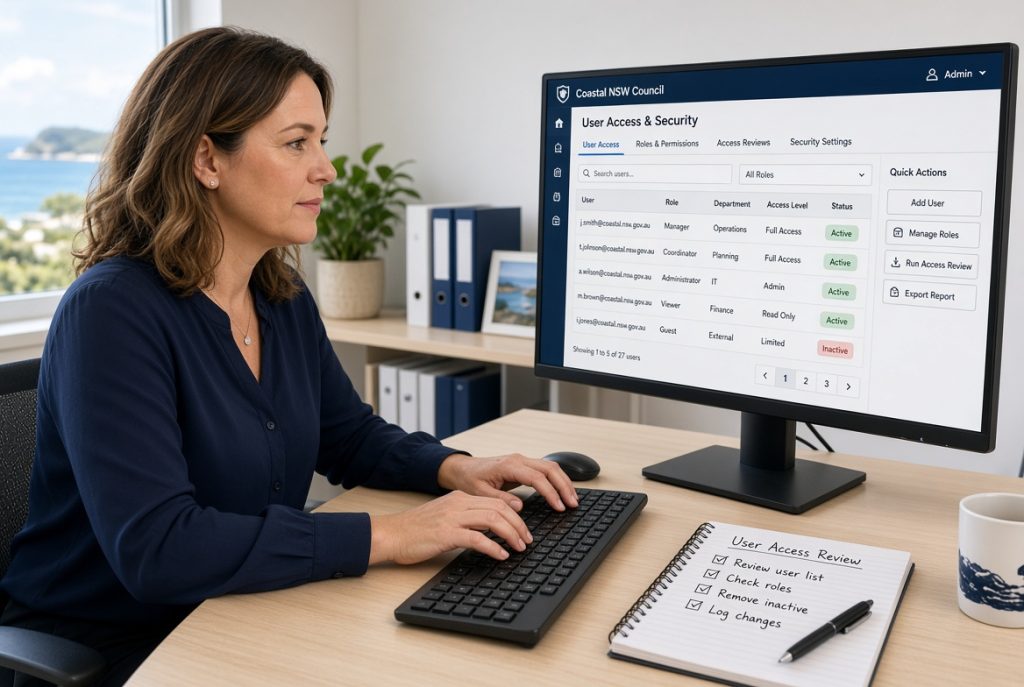
Review who currently has access to the main business addresses. Turn on the strongest login checks available. Limit the ability to create automatic forwarding rules. These three steps remove the most common paths used against smaller operations.
Is your inbox still relying on a single password?
Visit our store and speak with the team about Microsoft 365 Business. We will show the built-in tools that add strong login protection and stop common takeover methods without complicating everyday use. One conversation gives you clear, workable options ready to apply.