

Why your business needs password management (and how to start)
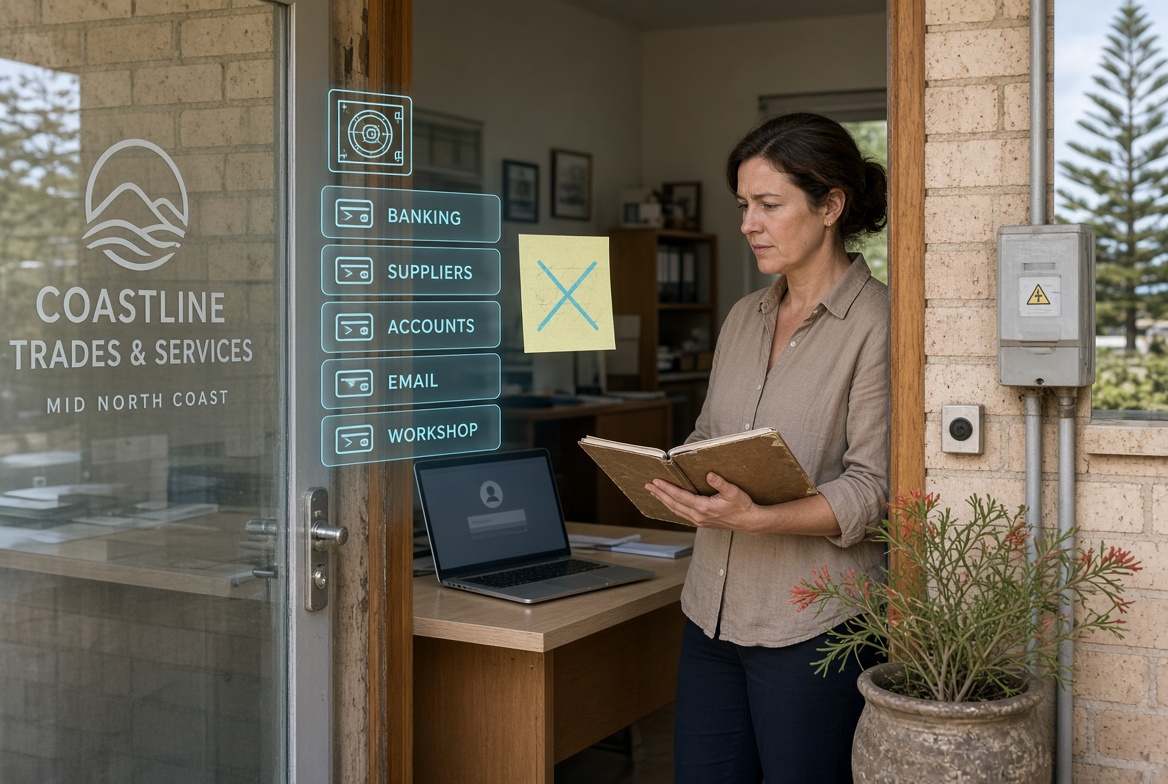
Login credentials open the door to almost every system a smaller operation uses. When the same codes get reused or stored in plain sight, risk rises quickly. Everyday users and decision makers often rely on memory or simple notes. A more organised approach reduces exposure for local firms in the New South Wales mid-north coastal area.
Shifts in access requirements
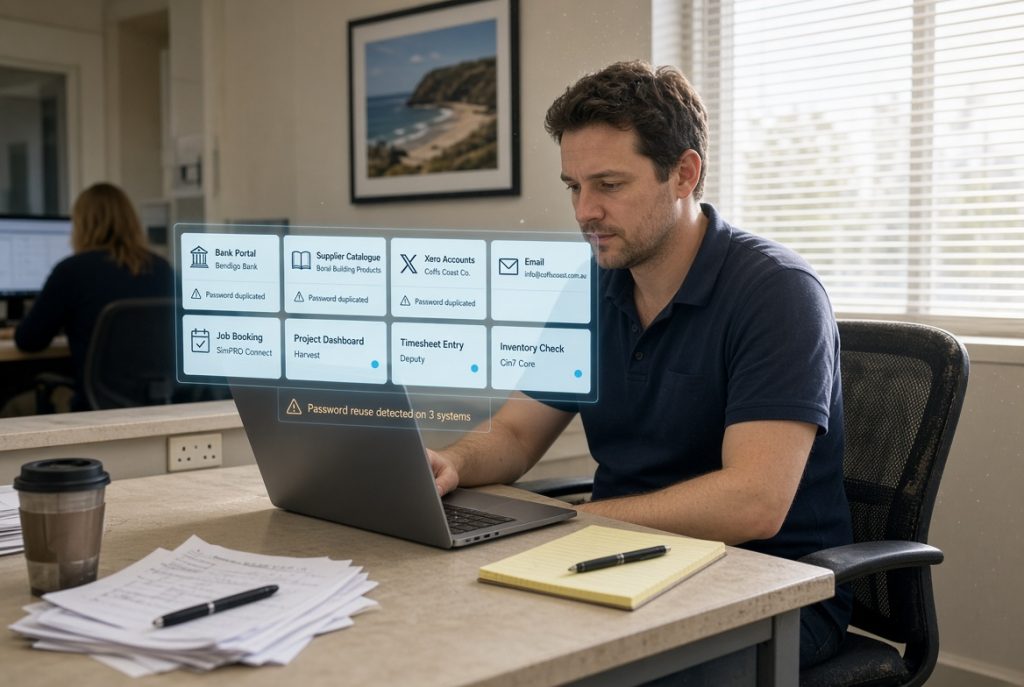
People now hold credentials for banking, supplier portals, accounting tools and internal systems. The volume has grown. Reusing the same code across several places creates a single point of failure. A disciplined method for creating, storing and updating these details has become a basic operating need.
Reasons disciplined handling counts
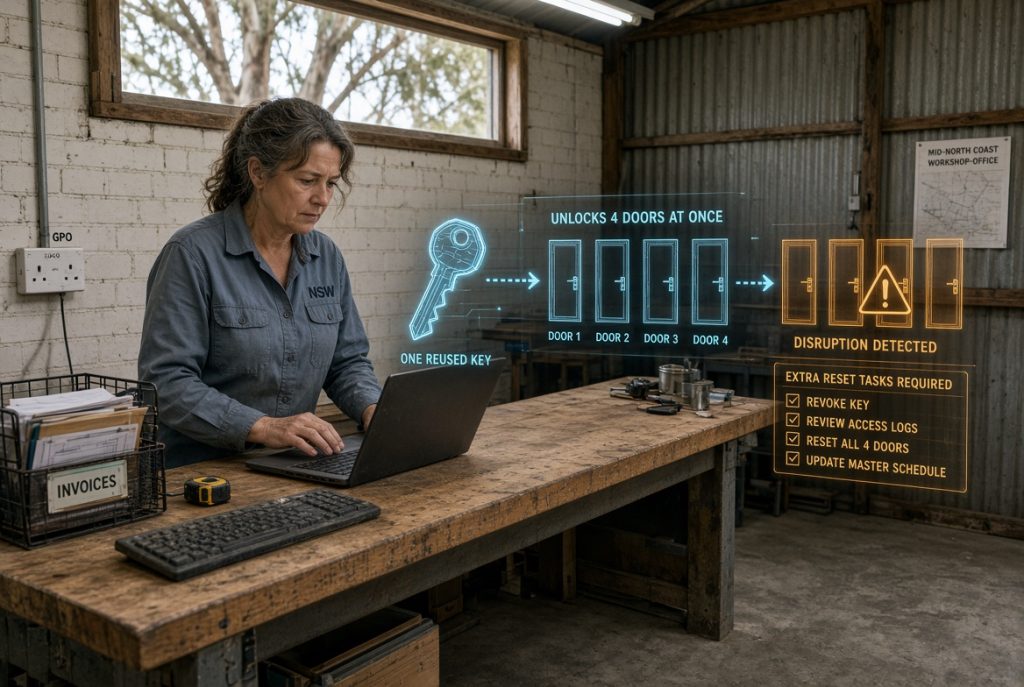
A weak or repeated credential can open multiple systems at once. Recovery then involves more than one reset and possible disruption to trading. Decision makers also face questions about preparation if an incident occurs. Steady habits around credentials keep the number of open doors lower and recovery simpler.
Clear explanations of central ideas
These ideas become practical once applied to the actual systems a business already uses.
Unique credentials mean a different sign-in detail for each important system.
A password manager is a secure application that stores and fills these details, so people do not need to remember them all.
Regular rotation involves updating the most critical credentials on a set schedule.
Approaches matched to different workplaces
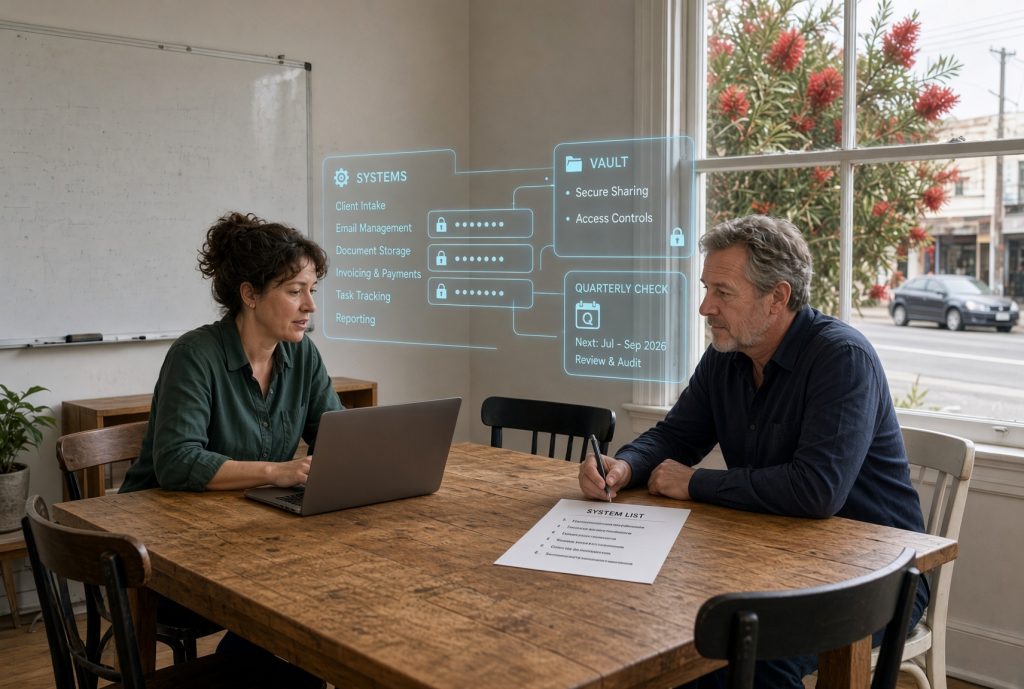
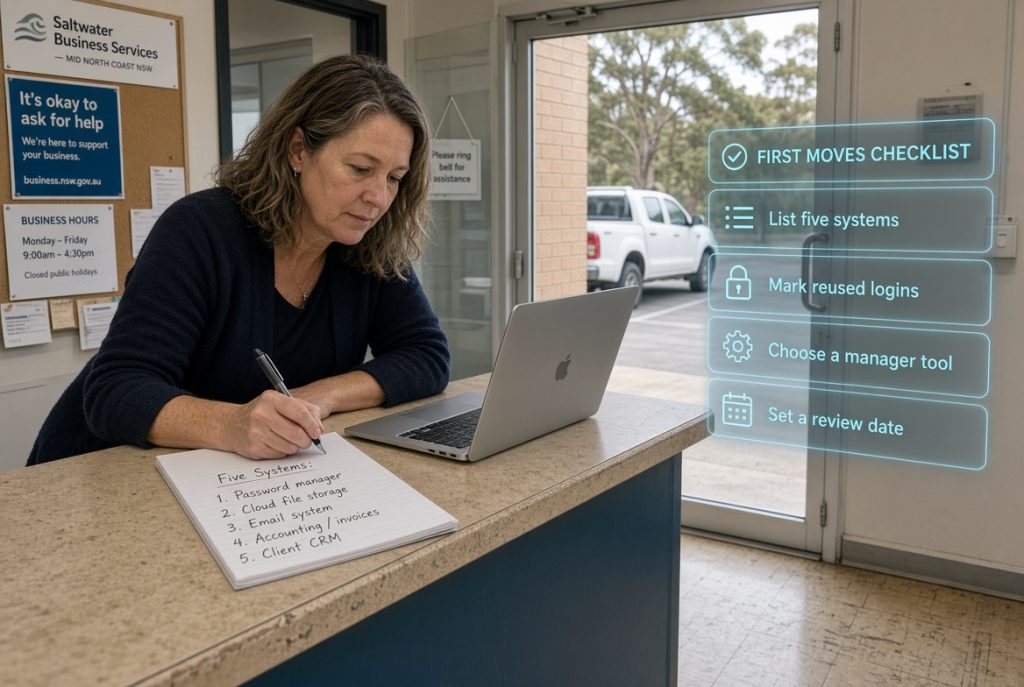
Some operations start by listing every system that requires a login and noting which ones share the same details. Others introduce a shared manager tool for the whole group and set a simple rule that every new system gets a unique entry. A few add a quarterly check that confirms the most sensitive credentials have been updated. The useful approach depends on the number of systems and the number of people who need access.
Results across the organisation
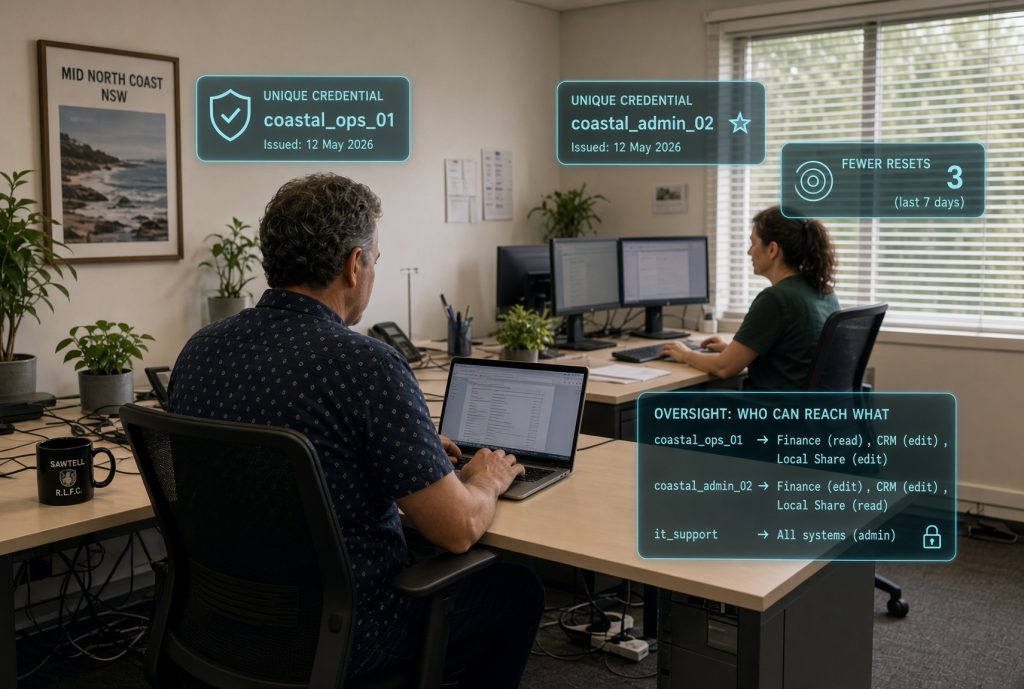
When credentials receive proper attention, the chance of a single breach opening many doors drops. Workers spend less time resetting forgotten details. Decision makers gain clearer oversight of who can reach what. Daily work continues with fewer interruptions caused by locked accounts or compromised access.
Help provided by PC Pitstop
PC Pitstop assists local operators with practical ways to organise and protect login details. We focus on clear steps that fit smaller operations and avoid unnecessary complexity. Support covers both the initial arrangement and the steady habits that keep credentials under control.
Still relying on memory or sticky notes for important logins?
Drop into our store and talk with us about Technology Consulting. We will walk through practical ways to organise credentials and introduce simple tools that remove the daily burden. One visit gives you a clear starting plan that matches the systems you already use.